
Export Base44 to GitHub: Why It's Not a Full Migration
Exporting Base44 to GitHub gives you your code, but not a working standalone app. See what comes out, what's missing, and what a real migration adds.
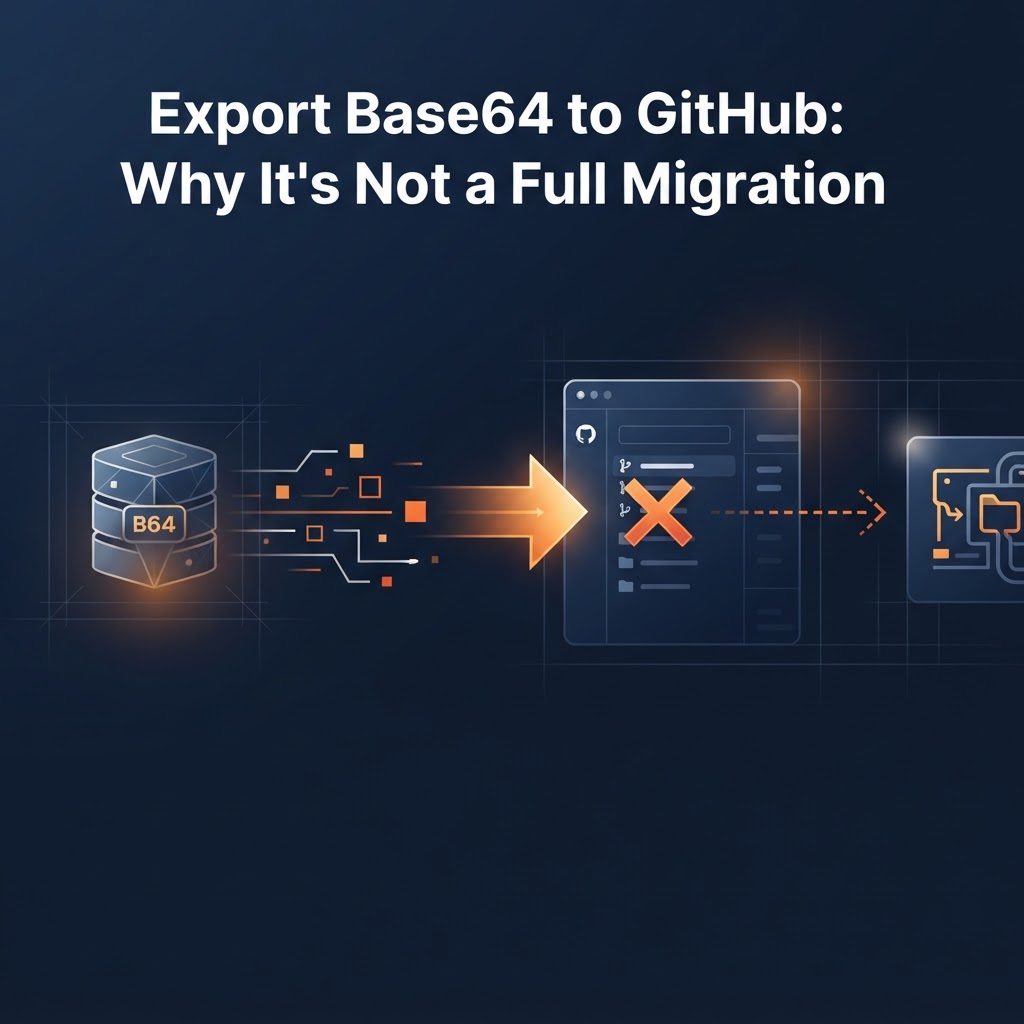
When you export Base44 to GitHub, you get a copy of your app's code in a repository you control. You do not automatically get a working app that runs on its own. The code still expects Base44's backend, so exporting is a good first step, but it is not a full migration.
That gap surprises many founders. Here is what to expect, what to check, and what the rest of the move involves.
What exporting to GitHub gives you
Base44 describes its GitHub integration as a way to push your app code to a repository for version control, collaboration and external deployment (see Base44's GitHub integration page). In practical terms you get:
- Your app's front end: the pages, components and styling.
- A history you can browse, branch and hand to a developer.
- A safety copy that exists outside Base44.
That alone is worth doing. A copy of your code in your own GitHub account is a sensible backup whatever you decide next.
What an export does not give you
Third-party guides agree on the broad picture: the front-end code comes out, but the server side does not come out as something you can run elsewhere. One example is AxonBuild's export write-up. Details differ between sources, especially for your data definitions, so check Base44's current documentation for your plan before you rely on any of this.
The usual gaps are:
- A running backend. Your app calls Base44's servers for data, logins and backend functions. Take that away and the front end has nothing to talk to.
- Your data. The code is not the same as your records: users, orders, content. Those live in the database and need their own move.
- Logins. User accounts and sign-in need a new home, and users may have to reset passwords or sign in again.
- Email, payments and files. Anything connected through Base44 integrations has to be reconnected on the new setup.
- Hosting and a domain. Someone has to deploy the app somewhere and point your domain at it.
Export vs migration, side by side
Export answers: "Do I have my code?"
Migration answers: "Does my app run without Base44's backend, with my data, my users and my domain, and does it still work the way it did?"
A migration includes an export, then adds a new backend, a data move, rewiring the app to talk to the new backend, testing, and a planned switch-over. For the plain-English version of those steps, read what a Base44 migration involves.
Do this before you export
- Write down what the app does. List the screens, the main user actions and every outside service it uses. This becomes your test list later.
- Check your plan. Export features can depend on your Base44 plan, so confirm what yours allows.
- Export to GitHub now. Treat it as a backup, even if you are not leaving yet.
- Check what actually arrived. Open the repository and look for your pages, any backend function files and anything that mentions Base44 in its setup.
- Record your data. Note how many records and tables you have and whether you can download them.
Should you migrate or just keep the export as a backup?
Stay put if the app works and you are not hitting limits. Keep the GitHub copy as insurance.
Consider a migration if you need your own database, tighter control over security, or a setup a developer can work on directly. Our decision guide on whether to move off Base44 walks through six signs it is time, and backend options after you migrate compares where the backend can go.
Need the full move, not just the export?
If you want help getting from a Base44 app to one that stands on its own, see the Base44 migration service. Prefer to do it yourself? Kode Migration is a downloadable guide, not hosted software, so you stay in control of each step.
FAQ
Is exporting Base44 to GitHub free?
Availability depends on your Base44 plan. Check your account settings or Base44's documentation rather than assuming.
Can I run the exported code on my own server?
Not by itself in most cases. The front end can be hosted anywhere, but it still needs a backend to talk to, so you must set one up or replace what Base44 provided.
Does the export include my users and data?
Treat the code and the data as separate things. Plan a separate step to move records and user accounts.
Will my app look the same after a migration?
The goal is for it to look and behave the same, which is why a written list of screens and actions matters. Test each one after the move.
Key takeaways
- Exporting gives you your code and a backup, not a standalone app.
- The backend, data, logins, integrations and hosting are the rest of the job.
- Export now as insurance, and decide on a full migration based on what your app needs.
Moving off Base44, or stuck on an app problem?
See how a Base44 migration works, or browse the tools and services that help you build and secure your app.