
Send Emails From a Base44 App With Resend (Step by Step)
Send emails from a Base44 app with Resend: verify your domain, store the key as a secret, and send welcome, receipt and reset emails. No coding needed.
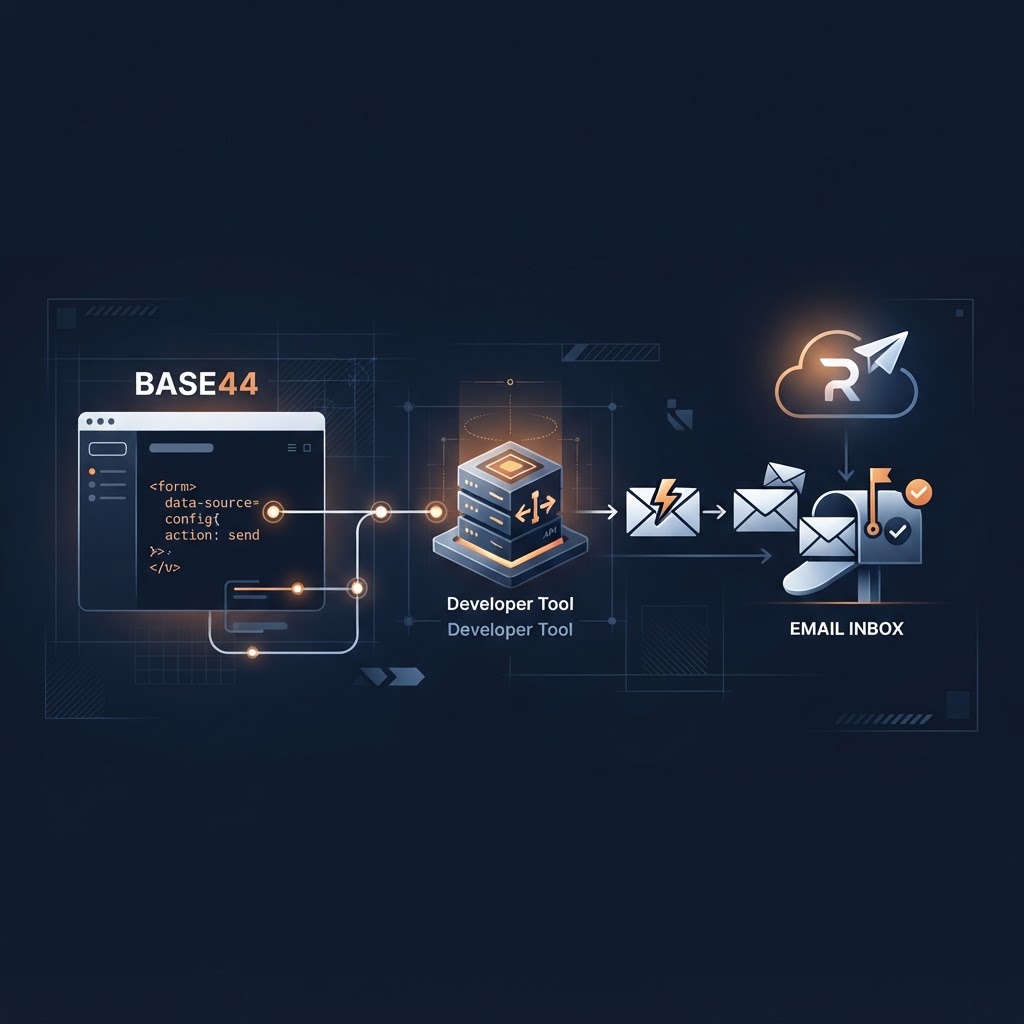
To send emails from a Base44 app with Resend, you do three things: verify your sending domain in Resend, store the Resend API key as a secret in your app, and have a backend function send each email when something happens (a signup, a payment, a password reset). Start with one email, the welcome message, test it end to end, then add the rest.
This guide is for non-technical founders. You don't need to write the code yourself, but you do need to know what to ask for and what to check.
Two kinds of email, and why the difference matters
- Transactional email is triggered by one person's action: a welcome message, a receipt, a password reset. It is expected, so people notice when it fails.
- Marketing email goes to many people at once: newsletters and promotions. It has extra rules, such as unsubscribe links.
Keep them separate. This article covers the transactional kind, which is the one your app needs on day one.
What you need before you start
- A Resend account. Create one at resend.com and add your domain.
- A verified domain. Resend asks you to add DNS records so receiving servers can confirm the email really comes from you. Without this, messages are far more likely to land in spam. If DNS is new to you, our business email on your own domain guide explains the records in plain words.
- An API key. Create it in Resend and treat it like a password. It goes into your app's secrets, never into a page or a prompt.
- A "from" address on your verified domain, such as hello@yourdomain.com.
Check Resend's documentation for the current setup screens, since they change.
Step 1: Add the key as a secret
In your Base44 app's settings, add a secret for the Resend key. Then, when you prompt the AI builder, refer to the secret by name. Never paste the key itself into the chat. If you already did, create a new key in Resend and delete the old one.
Step 2: Ask for a backend function, not frontend code
Sending email has to happen on the backend, where the key stays hidden. A prompt like this keeps the AI in bounds:
Create a backend function called sendWelcomeEmail that sends an email through Resend using the secret RESEND_API_KEY. Send from hello@yourdomain.com. Do not change any other function, page or data structure. Do not display the key anywhere.
The last two sentences matter. AI builders often "helpfully" touch things you didn't ask about.
Step 3: Send one welcome email and test it
Trigger the function with a real signup using an address you own. Then check:
- Did it arrive, and in the inbox rather than spam?
- Does the sender name and address look right?
- Does it open on your phone?
- Does Resend's dashboard show it as delivered?
Only when this works should you add more emails.
The three emails most apps need
| Email | Trigger | What it should contain | |---|---|---| | Welcome | New signup | What to do first, one button, how to reach you | | Receipt | Successful payment | What they bought, the amount, where to get help | | Password reset | User asks to reset | A single clear link and a note to ignore it if they didn't ask |
Keep each one short with a single action. Plain text with one link often does better than a heavy design.
Common problems
- Emails go to spam: the domain isn't fully verified, or the "from" address isn't on the verified domain.
- Nothing sends: the secret name in the function doesn't match the secret you saved, or the key was created with limited permissions.
- It works for you but not for users: you tested with an address connected to your Resend account. Test with a different outside address.
- Duplicate emails: the function is triggered twice. Ask the AI to explain what triggers it before you change anything.
Don't forget the legal basics
Transactional messages are different from promotions, but if you add any marketing content, include a way to unsubscribe and follow the email rules in your region. When in doubt, keep receipts and resets free of promotions.
FAQ
Is Resend free? Resend has offered a free tier, but plans and limits change, so check its pricing page before you rely on it.
Can I send from a Gmail address? For a business app, use your own domain. Mail "from" a free address you don't control is much more likely to be rejected.
Do I need to know how to code? No, but you should be able to read what the AI built and test it. The checklist above is how.
Where to go next
If you want a full set of ready-made prompts for the sending side, the Resend Email Marketing System is a downloadable build pack of prompts for adding Resend to a Base44 app. It is a prompt package, not hosted software, and you still do the testing above.
Related reading: Business email on your own domain, Launch security checklist, and Back up and roll back your Base44 app before adding a new integration.
Moving off Base44, or stuck on an app problem?
See how a Base44 migration works, or browse the tools and services that help you build and secure your app.