
How to Back Up and Roll Back a Base44 App Before a Big Change
Base44 backup before a big change: save a restore point, export your data, and know how to roll back if the AI breaks something. A 10-minute routine.
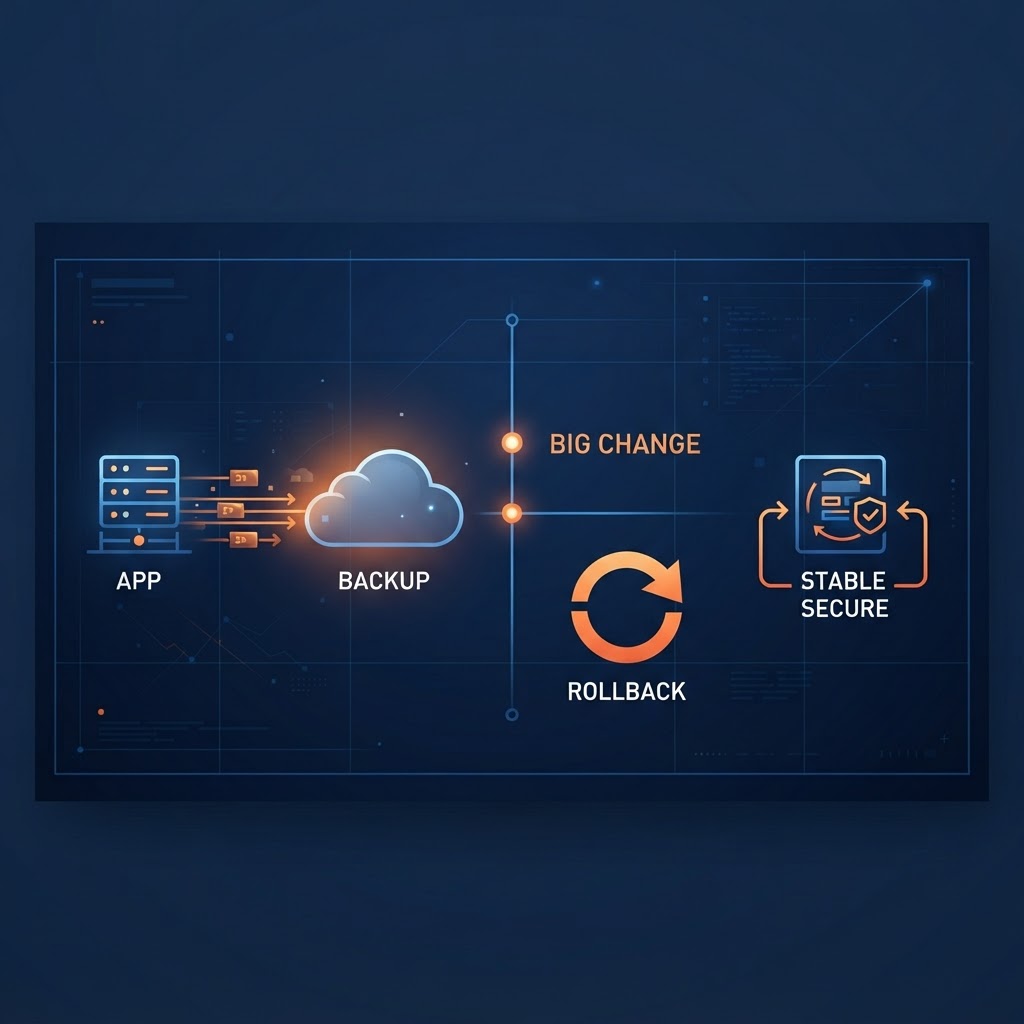
The safest way to back up a Base44 app before a big change is to do three things: save a restore point in version history, export what the app contains (records and settings), and write down what you are about to change. Then, if the change goes wrong, you can roll back instead of trying to fix it with more prompts.
Big changes are where AI builders do the most damage: a new data structure, a redesign, a billing or login change. This guide gives you a ten-minute routine you can repeat before each one. No coding needed.
What "backup" means for a Base44 app
Your app is really three things, and each needs its own safety net:
- The app itself: pages, layout and logic. This is what version history (restore points) covers.
- The data: the records your users and you have created. A restore point of the app does not necessarily bring back deleted records, so export the data separately.
- The settings: secrets, connected services, domain and payment settings. These live outside your prompts, so write down which ones exist.
Check Base44's own help pages for exactly what version history restores, since features change. Treat anything you have not tested as unprotected.
Step 1: Save a restore point
Before you send the big prompt, open your app's version history and confirm the latest version is the one you are happy with. If you can name a version, name it something like "Before billing change, Nov 4". A restore point you can't identify later is not much use.
Step 2: Export your data
Open each of your main data tables and export it (a CSV file is fine). Save the files in a folder with today's date. Do this even if you think the change won't touch data. Prompts that "tidy up" or "restructure" data are the ones most likely to delete or rename it.
If the app already has real users, also note how many records each table holds. That number lets you check afterward that nothing went missing.
Step 3: Write a one-page change note
In a plain document, write:
- What you want changed, in one sentence.
- What must NOT change (login, payments, existing pages).
- How you will know it worked (two or three things you will click).
Paste the "must not change" list into your prompt. Telling the AI the boundaries up front prevents most surprise edits.
Step 4: Make the change in small pieces
One prompt per change. After each, run your two or three checks. If a step breaks something, stop and roll back right away. Piling on fix-up prompts is how a small mistake becomes a rebuilt app and a burned credit balance.
Step 5: Roll back, then verify
If the result is wrong:
- Restore the named version from version history.
- Compare record counts with your note. If data is missing, re-import from your export.
- Re-check login, payments and any connected email or services, since these are the settings most often disturbed.
- Rewrite the prompt with tighter boundaries and try once more.
A quick pre-change checklist
- Restore point saved and named
- Data exported, record counts noted
- Secrets and connected services listed
- "Must not change" list written
- Two or three success checks ready
FAQ
Does version history back up my data? Don't assume it does. Export your data yourself and confirm in Base44's documentation what a restore covers.
How often should I back up? Before every big change, and monthly once real users are in the app.
What if I already made the change and it broke? Stop prompting, restore the last good version, then compare your data against whatever export or count you have.
Make it a habit
A routine only helps if you use it. If you want guardrails built for this problem, the AI Drift Control System is a downloadable prompt package aimed at stopping unwanted AI edits. It is a set of prompts, not hosted software, and it doesn't replace your own backups.
For more on keeping an AI builder in line, read Why your AI app builder keeps breaking things and Clean up AI-generated code. If you're weighing a bigger move, see Should you move off Base44?
Moving off Base44, or stuck on an app problem?
See how a Base44 migration works, or browse the tools and services that help you build and secure your app.