
Base44 Backend Options After You Migrate: How to Choose
Leaving Base44? Compare your backend options (BaaS, managed database, or your own server) and use five questions to pick the right one.
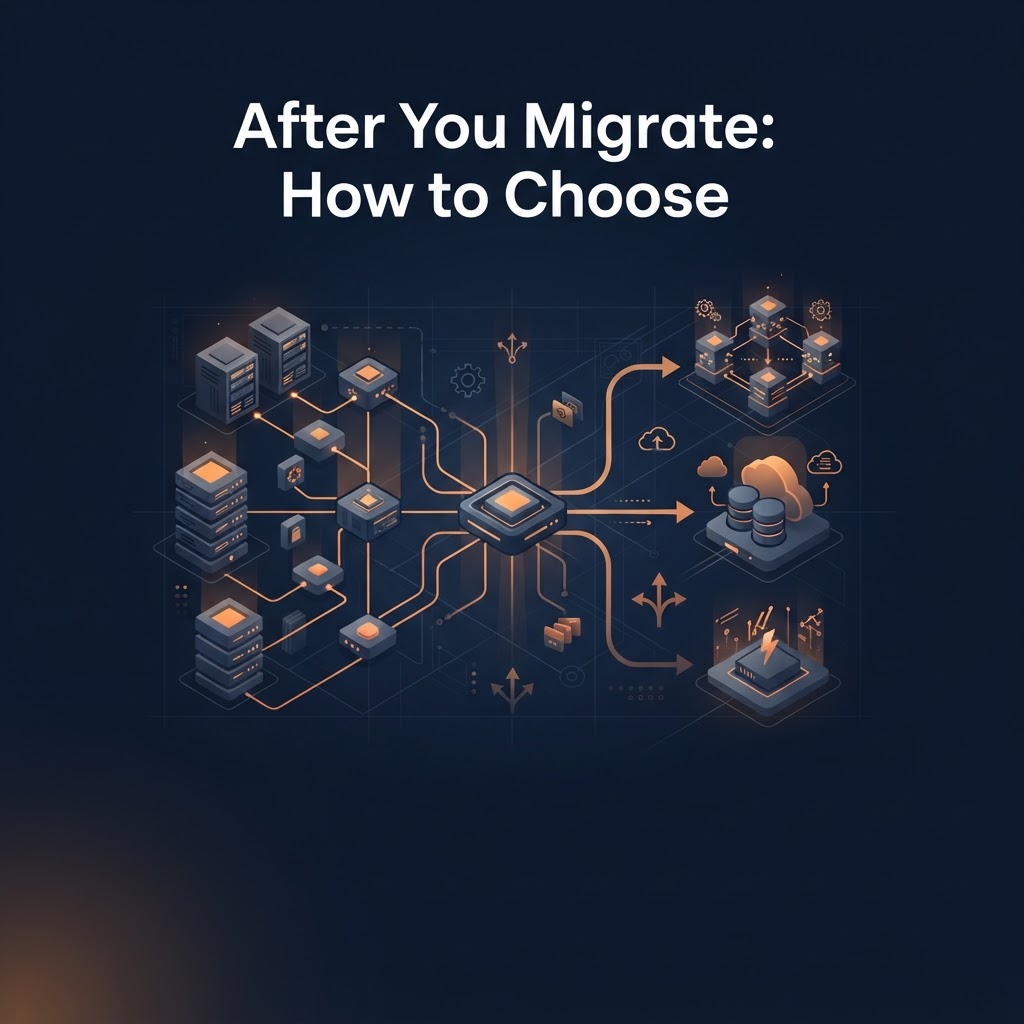
If you are moving off Base44, your backend choice comes down to three routes: a backend-as-a-service (BaaS) that gives you a database, sign-in and file storage in one place, a managed database with your own code on top, or a server you run yourself. For most non-technical founders, a BaaS is the least work and a self-run server is the most.
This article helps you pick a route before you start moving anything. It assumes you already know roughly what a Base44 migration involves. If not, read that first.
What a backend has to do for your app
Whatever you choose, it needs to replace the work Base44 did for you quietly:
- Store your data (users, orders, content) and keep it safe.
- Handle sign-in, passwords and who can see what.
- Run backend functions: the code that sends email, charges cards or talks to other services.
- Store uploaded files.
- Keep secrets such as API keys out of the browser.
Write this list down for your own app. Any option below should cover every line, or you need a plan for the gap.
Option 1: A backend-as-a-service (BaaS)
A BaaS bundles the database, sign-in, file storage and functions behind one dashboard. You configure rather than build.
Good fit if: you want the shortest path, your app is mostly forms, lists and logins, and you would rather not manage servers.
Watch out for: the platform's own rules and limits, and how hard it is to leave later. Check how you can export your data before you commit.
Option 2: A managed database plus your own functions
Here the database is a hosted service, and your backend logic lives in functions or a small app you deploy on a hosting platform. You assemble the pieces yourself.
Good fit if: you want more control over how data is structured and queried, or your app has custom logic that does not fit a BaaS neatly.
Watch out for: more moving parts. You will choose and connect sign-in, storage and hosting separately, so there are more places for something to break.
Option 3: A server you run yourself
You rent a server (or a container service) and run the whole backend on it.
Good fit if: you have a developer on the team, or a specific need such as strict control over where data lives.
Watch out for: you own the updates, backups and security. If nobody on your team is comfortable with that, this is the route most likely to go wrong quietly.
How to choose: five questions
- Who will maintain it? If the answer is "me, with an AI assistant", lean toward fewer pieces.
- How much custom logic do you have? A long list of backend functions points to option 2 or 3.
- What does it cost every month at today's size, and at ten times the size? Hosting, database and email costs are separate from any migration guide or service. Price them before you decide.
- How easily can you move again? Prefer options where you can export your data in a standard format.
- Does it match your sign-in setup? Moving users without making everyone reset a password takes planning. Ask how each option handles existing accounts.
A simple way to decide
- Mostly forms, lists and logins, no developer: start with a BaaS.
- Custom logic and a bit of technical help: managed database plus your own functions.
- A developer on the team and a reason to own the infrastructure: your own server.
If you are torn between two, pick the one with fewer pieces to look after. You can always move again later, and your data will be easier to carry if you kept the setup simple.
After you choose
Move in a safe order: stand up the new backend, copy the data, rebuild functions, reconnect integrations with fresh keys, then test the whole customer path before switching your domain.
You have two ways to get there:
- Self-guided: Kode Migration is a downloadable guide with ordered prompts you use with an AI assistant to scan your app and work through the move. It is a document, not an automatic migrator, and you stay in control.
- Done for you: the Base44 migration service is the option if you would rather hand the work over. Send your app details to get started.
FAQ
Which backend is cheapest? It depends on your traffic and data size. Compare the monthly cost at your current size and at a larger one before deciding, and include email and hosting.
Can I keep my Base44 frontend? Often yes. The usual goal is to keep the screens and replace what they talk to, but check this against your own app.
Do I have to move everything at once? No. Many teams move data and sign-in first and the rest in stages, keeping the old app live until the new one passes testing.
Is a BaaS the same as no-code? No. A BaaS is a hosted backend you configure. You can still connect it to code, whether written by you or an AI assistant.
Key takeaways
- Pick a route by who will maintain it, not by which sounds most powerful.
- Fewer moving parts is the safer default for non-technical founders.
- Price hosting, database and email separately, and make sure you can export your data later.
Moving off Base44, or stuck on an app problem?
See how a Base44 migration works, or browse the tools and services that help you build and secure your app.