
Vibe Coding Security Checklist: 5 Checks Before You Launch
Launching an AI-built app? Use this vibe coding security checklist: five plain-English checks for secrets, admin pages, user data, forms and monitoring.
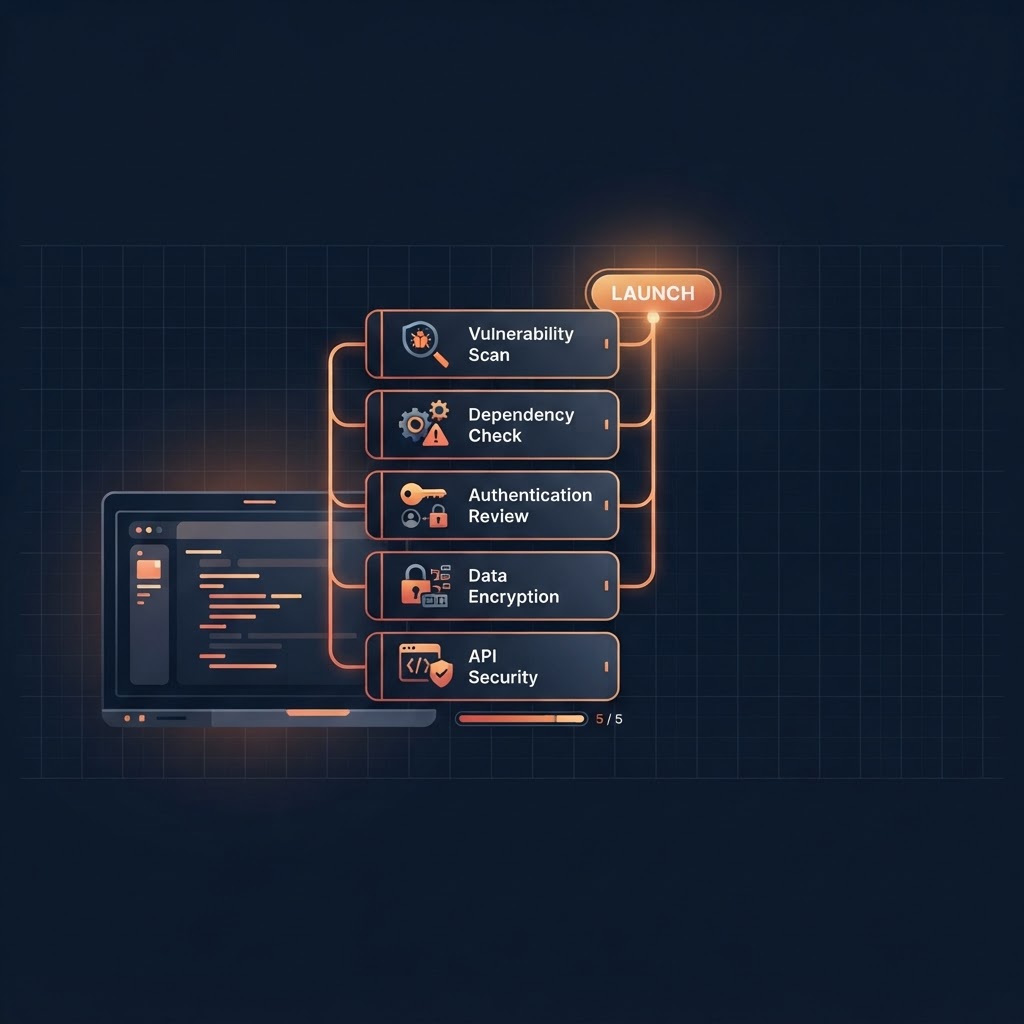
A vibe-coded app is ready to launch when five things are true: secrets are not in the browser, every page checks who is asking, people can only see their own data, uploads and forms are limited, and you can see what is happening after launch. Each check below takes minutes and needs no coding, only questions you ask your AI builder and things you click through yourself.
This is a practical pre-launch checklist for non-technical founders, not a full security audit. It will catch the common mistakes. It will not replace a professional review if you handle payments, health data or other sensitive records.
Check 1: No secrets in the browser
Secrets are API keys, payment keys, email-service keys and database passwords. Anything that ships to the browser can be read by anyone who opens developer tools.
- Ask your AI builder: "List every API key or secret this app uses and where each one is stored."
- Keys should live in your platform's secrets or environment settings, and be used only by backend functions.
- If a key was ever pasted into a chat or a page file, treat it as exposed: create a new one and delete the old.
Check 2: Every page and action checks who is asking
Hiding a button is not security. If an admin page only hides its link, anyone who guesses the address can open it.
- Make a list of your admin-only pages and actions (deleting users, refunds, exports).
- Log out, then paste each admin address into the browser. You should be sent away or see an error, not the page.
- Repeat while logged in as an ordinary test user.
Check 3: People only see their own data
This is the mistake that hurts most. Create two test accounts, A and B.
- As A, create a record (an order, a note, a file).
- As B, try to open it by pasting its address, and check lists and search for it.
- B should never see A's record. If B does, fix this before launch.
Check 4: Limit what people can send you
Forms, uploads and public pages are where junk and abuse arrive.
- Limit file types and sizes on uploads.
- Add a limit on how often one person can submit a sign-up, contact or reset form.
- Check what a visitor can see without logging in: open your app in a private window and click around.
Check 5: Be able to see what happens after launch
You cannot fix what you cannot see.
- Know where to find error messages and failed actions.
- Make sure you will be told when an important action fails, such as a payment or an email that did not send.
- Keep a backup or export of your data, and try restoring it once.
A quick pre-launch run-through
- Secrets listed and stored safely
- Admin pages tested logged out and as a normal user
- Two-account test passed
- Uploads and forms limited
- Error visibility and a data export in place
Where a prompt pack helps
If you build in Base44, Security Lockdown Pro is a downloadable pack of 12 build prompts that installs an admin-only security command center into your app: a scan engine, issue tracking and copy-and-paste fix prompts. It is a set of prompts you run in your own app, not hosted software, and it does not replace a professional review. You can also browse the free AI controls and the full catalog.
FAQ
Is an AI-built app less secure than a hand-coded one? Not automatically, but AI builders optimize for "it works", so checks like the ones above often get skipped. Ask for them explicitly.
Do I need a security audit before launch? For a simple internal tool, this checklist is a reasonable start. If you take payments or store sensitive personal data, get a professional review.
How often should I repeat these checks? After any big change, especially new admin features, new integrations or new user roles.
Key takeaways
- Secrets belong on the backend, never in the browser.
- Test admin pages logged out and as a normal user.
- Use two test accounts to prove people only see their own data.
- Limit uploads and forms, and make sure you can see failures after launch.
Moving off Base44, or stuck on an app problem?
See how a Base44 migration works, or browse the tools and services that help you build and secure your app.