
Base44 Best Practices: How to Build Cleaner Apps Faster
Learn practical Base44 best practices for planning, prompting, data modeling, roles, security rules, testing, and iterating toward better app builds.
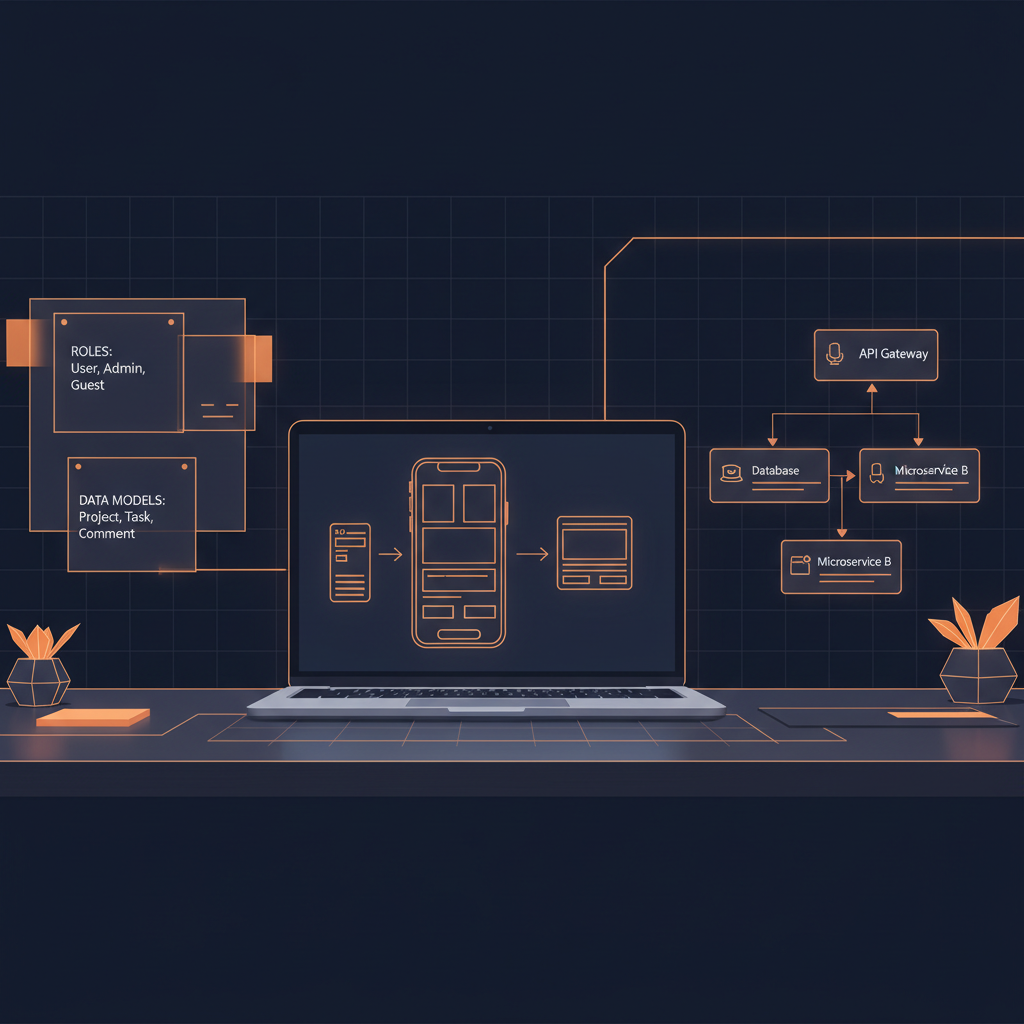
Base44 Best Practices: How to Build Cleaner Apps Faster
Base44 makes it possible to move from app idea to working software with far less friction than traditional development. For vibe coding teams, solo founders, internal tool builders, and product-minded developers, that speed is the main appeal: describe what you want, iterate with the AI agent, and turn concepts into usable applications.
But speed does not remove the need for structure. In fact, the faster you build, the more important it becomes to define the right foundation early. A vague prompt can produce a plausible app that looks right but has unclear roles, weak data relationships, incomplete permissions, or workflows that break under real usage.
That is where Base44 best practices matter. The goal is not to slow down creativity. The goal is to make every prompt, generated screen, data model, and rule easier to understand, test, and improve.
This guide walks through practical ways to get better results from Base44: how to plan your app, structure prompts, model data, define roles, review AI output, and avoid common build mistakes.
1. Start With a Clear Product Brief
Before opening Base44, write a short product brief. It does not need to be formal, but it should answer the questions that shape the build.
At minimum, define:
- Who the app is for
- What problem it solves
- The primary workflows users need to complete
- The data the app must store
- The roles that need different access levels
- What is in scope for the first version
- What should be excluded for now
A weak starting prompt usually sounds like this:
Build me a project management app.
A stronger starting brief looks like this:
Build a project management app for small design agencies. Admins can create clients, projects, tasks, and team members. Team members can update task status and add comments. Clients can view project progress but cannot edit internal tasks. The first version should include dashboards, project detail pages, task lists, comments, and basic notifications. Do not include billing or time tracking yet.
The second version gives Base44 much more context. It defines users, boundaries, core entities, and exclusions. That reduces ambiguity and helps the AI agent make better decisions.
If you are building anything beyond a simple prototype, avoid treating the first prompt as a brainstorm. Treat it as a product brief.
2. Define Roles and Permissions Early
Many apps become harder to fix because roles are added too late. Screens may exist before access rules are clear. Data may be visible to the wrong users. Admin-only workflows may be mixed with standard user workflows.
Base44 can help generate app structure quickly, but you still need to specify how different users interact with the system.
Common role questions include:
- Who can create records?
- Who can edit records?
- Who can delete records?
- Who can view all records versus only their own?
- Which actions require approval?
- Which screens should be hidden from certain users?
- Are there internal users and external users?
For example, in a marketplace app, you might have:
- Admin: manages users, listings, reports, and disputes
- Seller: creates and manages their own listings
- Buyer: browses listings and places orders
- Guest: can browse public listings but cannot purchase
Each role has different needs. If you do not define them upfront, the generated app may blend responsibilities in ways that feel convenient during prototyping but risky later.
A good Base44 prompt should include role-specific instructions:
Create separate experiences for admins, sellers, and buyers. Sellers should only manage listings they own. Buyers should only see their own orders. Admins should see all users, listings, orders, and reports.
This kind of instruction gives the app a clearer security and navigation model from the beginning.
3. Model Your Data Before You Generate Too Much UI
One of the most important Base44 best practices is to think through the data model before asking for lots of screens.
Screens are easier to change when the underlying data is well structured. If the data model is unclear, every page built on top of it may need rework.
Start by identifying core entities. For a customer support portal, those might be:
- Users
- Organizations
- Tickets
- Ticket messages
- Attachments
- Tags
- Statuses
Then define the relationships:
- A user belongs to an organization
- An organization has many tickets
- A ticket has many messages
- A message belongs to one ticket and one author
- A ticket can have many tags
You do not need to design a perfect database schema from day one, but you should be explicit about the major objects and relationships.
A useful prompt pattern is:
Before creating screens, define the data model for this app. Include entities, fields, relationships, and which role can create, read, update, or delete each entity. Ask clarifying questions if any relationship is ambiguous.
This approach helps you avoid a common vibe coding problem: building impressive UI around a weak domain model.
For a deeper look at going beyond prototypes, you may also find Building Production-Grade Apps with Base44 useful.
4. Write Prompts That Are Specific, Scoped, and Testable
Base44 can interpret natural language, but better prompts still produce better outcomes. The most effective prompts are specific enough to guide the build, scoped enough to avoid runaway complexity, and testable enough that you can verify the result.
Weak prompt
Add a dashboard.
Better prompt
Add an admin dashboard with four summary cards: total active users, open tickets, overdue tickets, and tickets resolved this week. Below the cards, show a table of the 10 most recently updated tickets with ticket title, organization, status, priority, assigned agent, and last updated date.
The better prompt defines:
- Who the dashboard is for
- What components it needs
- Which metrics to show
- Which fields to include
- How much data to display
This makes the result easier to evaluate. You can look at the generated output and immediately tell whether the prompt was followed.
Use constraints in your prompts
Constraints are helpful. They tell Base44 what not to do.
Examples:
- “Do not add payment features yet.”
- “Use a simple three-step onboarding flow.”
- “Keep this version mobile-friendly but prioritize desktop layouts.”
- “Do not create duplicate user profile entities.”
- “Use the existing Project and Task data models.”
Without constraints, an AI agent may make reasonable assumptions that are still wrong for your product.
5. Build in Small, Reviewable Increments
It can be tempting to ask Base44 to generate the entire application in one large prompt. That sometimes works for simple ideas, but larger apps benefit from incremental building.
A better sequence is:
- Define the product brief
- Define roles and permissions
- Define the data model
- Generate the first core workflow
- Review and test the workflow
- Add secondary workflows
- Add dashboards and reporting
- Add polish and edge cases
This gives you more control. You can catch a flawed assumption before it spreads across the app.
For example, if you are building an appointment booking app, start with the booking flow before adding reminders, payments, analytics, calendar sync, or admin exports. The booking flow is the core value. If it is wrong, the rest of the app does not matter.
A practical incremental prompt might be:
Focus only on the appointment booking flow. A customer should choose a service, select an available staff member, pick a date and time, enter contact details, and confirm the booking. Do not add payments, reminders, or admin analytics yet.
This keeps the build focused and makes review easier.
6. Treat Generated Output as a First Draft
Base44 can accelerate development, but generated output should still be reviewed like any other first draft.
Look for:
- Incorrect assumptions
- Duplicate entities or fields
- Missing validation
- Confusing navigation
- Unclear empty states
- Permission gaps
- Workflows that do not handle edge cases
- Labels or copy that do not match your product language
This mindset is important. You are not just accepting generated software; you are directing and refining it.
When something is wrong, avoid vague correction prompts like:
Fix the dashboard.
Instead, identify the issue:
The dashboard currently shows all tickets to all agents. Update it so agents only see tickets assigned to them, while admins can see all tickets. Keep the current layout unchanged.
That prompt is corrective, specific, and bounded.
If you want to better understand how Base44 interprets requests and acts on them, read Understanding the Base44 AI Agent.
7. Plan Security Rules as Product Requirements
Security should not be treated as a final cleanup step. It is part of the product design.
For every entity, define who can create, view, update, and delete it. This is especially important for apps with multi-tenant data, customer records, private messages, internal notes, or admin controls.
A simple permissions matrix can help:
- Users: admins can view all; users can view and edit their own profile
- Organizations: admins can view all; organization members can view their own organization
- Tickets: admins can view all; agents can view assigned tickets; customers can view tickets they created
- Internal notes: admins and agents can view; customers cannot view
Then turn that into a Base44 instruction:
Apply security rules so customers can only access tickets created by users in their own organization. Internal notes must never be visible to customers. Agents can only access tickets assigned to them unless they have the admin role.
Clear security instructions reduce the chance of accidental overexposure. They also make it easier to test the app with different user accounts.
8. Use Realistic Sample Data
Sample data helps you evaluate whether an app actually works. But unrealistic sample data can hide problems.
Instead of using placeholder names like “Test Project” and “User 1,” create examples that resemble real usage:
- Long project names
- Multiple statuses
- Empty states
- Overdue items
- Users with different roles
- Records with missing optional fields
- Completed and incomplete workflows
For example, a recruiting app should include candidates at different pipeline stages: applied, phone screen, interview, offer, rejected, and hired. A support portal should include tickets with different priorities and response states.
Realistic sample data helps you see whether filters, dashboards, permissions, and layouts hold up.
A useful prompt:
Add realistic sample data for each role and workflow. Include at least one empty state, one overdue item, one completed item, and one record with optional fields left blank so I can test edge cases.
The goal is not to fake production data. It is to reveal design and logic issues earlier.
9. Test Core Workflows Before Adding Polish
Visual polish matters, but workflow correctness matters more. Before refining colors, spacing, or microcopy, test whether users can complete the main jobs the app is supposed to support.
For each core workflow, write a simple acceptance checklist.
For a task management app:
- Can an admin create a project?
- Can an admin invite a team member?
- Can a team member see only assigned tasks?
- Can a team member update task status?
- Can comments be added to a task?
- Are completed tasks still visible in the right place?
- Can unauthorized users access restricted project data?
For an event registration app:
- Can an attendee register for an event?
- Can duplicate registrations be prevented or handled?
- Can an organizer view attendees?
- Can an organizer close registration?
- Does the app handle a full event capacity?
Testing does not need to be complicated at first. You just need a repeatable way to confirm that the app behaves as intended.
Once core workflows are stable, then focus on UI refinement, onboarding, copy, and convenience features.
10. Keep Navigation Simple
AI-generated apps can become cluttered when every entity gets its own top-level page. That may be useful during development, but it can confuse real users.
Navigation should reflect user intent, not database structure.
For example, a school management app might have entities like students, guardians, teachers, classes, assignments, attendance records, and messages. But the navigation should be organized around what users need to do:
- Dashboard
- Students
- Classes
- Attendance
- Assignments
- Messages
- Settings
Role-specific navigation is even better. Teachers may not need the same menu as administrators. Parents may only need student progress, assignments, and messages.
Prompt Base44 with navigation expectations:
Organize navigation by user role. Admins should see dashboard, users, classes, reports, and settings. Teachers should see classes, attendance, assignments, and messages. Parents should only see their child’s progress, assignments, and messages.
Good navigation makes the app feel intentional instead of generated.
11. Be Explicit About Validation and Error States
A workflow is not complete just because the happy path works. Users enter incomplete forms, upload the wrong files, lose connection, repeat actions, or try to access records they should not see.
Ask for validation rules early:
- Required fields
- Unique fields
- Minimum and maximum lengths
- Date constraints
- Status transitions
- File type restrictions
- Role-based action restrictions
For example:
Add validation so a project cannot be marked complete unless all required tasks are complete. Due dates cannot be in the past when creating a new task. Task titles are required and must be under 120 characters.
Also ask for clear error and empty states:
Add helpful empty states for dashboards, task lists, and search results. Add user-friendly error messages for failed form submissions and unauthorized access.
These details make the difference between a demo and a usable product.
12. Document Decisions as You Build
When you iterate quickly, decisions can get lost. A role changes. A field is renamed. A workflow gets simplified. A feature is postponed. Two days later, you may not remember why.
Keep a lightweight build log with:
- Current app scope
- Core roles
- Entity definitions
- Permission decisions
- Prompt history
- Known issues
- Deferred features
- Testing notes
This is especially useful if you collaborate with a team or return to the app after a break.
Documentation does not need to be heavy. Even a structured markdown file can prevent confusion and reduce rework.
13. Use KodeBase to Create a Build-Ready Blueprint
One of the hardest parts of working in Base44 is turning an early idea into a precise build plan. You may know what you want, but still need help translating it into data models, roles, permissions, workflows, and effective build prompts.
That is where KodeBase fits naturally into the process. KodeBase turns an app idea into a build-ready blueprint for Base44, including the data model, roles, security rules, and copy-paste prompts you can use to guide the build.
Instead of starting from a blank prompt, you can begin with a clearer specification. That helps you avoid common early mistakes like vague roles, missing relationships, or underdefined permissions.
Try KodeBase free to turn your next app idea into a structured Base44 blueprint before you build.
Conclusion
Base44 rewards clear thinking. The better you define your app, the better your results will be.
The most useful Base44 best practices are not complicated: start with a clear brief, define roles early, model data before building too much UI, prompt in small increments, review generated output carefully, and test the workflows that matter most.
Vibe coding works best when creativity and structure support each other. Base44 gives you speed. A strong blueprint gives that speed direction.
FAQ
What are the most important Base44 best practices for beginners?
Start with a clear product brief, define user roles, describe the data model, and build one workflow at a time. Avoid asking Base44 to generate a large, complex app from a vague prompt.
Should I define the data model before building screens in Base44?
Yes, for most apps. A clear data model helps prevent rework because screens, permissions, dashboards, and workflows all depend on the underlying entities and relationships.
How detailed should my Base44 prompts be?
Your prompts should be specific enough to verify. Include the user role, desired workflow, fields, constraints, permissions, and anything that should be excluded from the current version.
Can Base44 be used for production-grade apps?
Base44 can help you build more than simple prototypes, but production readiness depends on how carefully you define requirements, review output, test workflows, and handle security, data, and edge cases.
How does KodeBase help with Base44?
KodeBase helps turn an app idea into a structured blueprint with data models, roles, security rules, and build prompts designed for Base44. It gives you a stronger starting point before you begin generating the app.
Turn your idea into a build-ready blueprint
Generate your data model, roles, security rules, and copy-paste build prompts in minutes.