
Base44 Desktop IDE
A local workbench for everything you have built on Base44. Open any app in a real editor without leaving the desktop, put an AI reviewer over your own code, and — when you want to — lift the frontend onto your own hosting while the Base44 backend keeps running untouched.
Platform
Windows 10 / 11 · x64
Installer
80 MB · per-user
Requires
A Base44 account
Price
$25 lifetime access
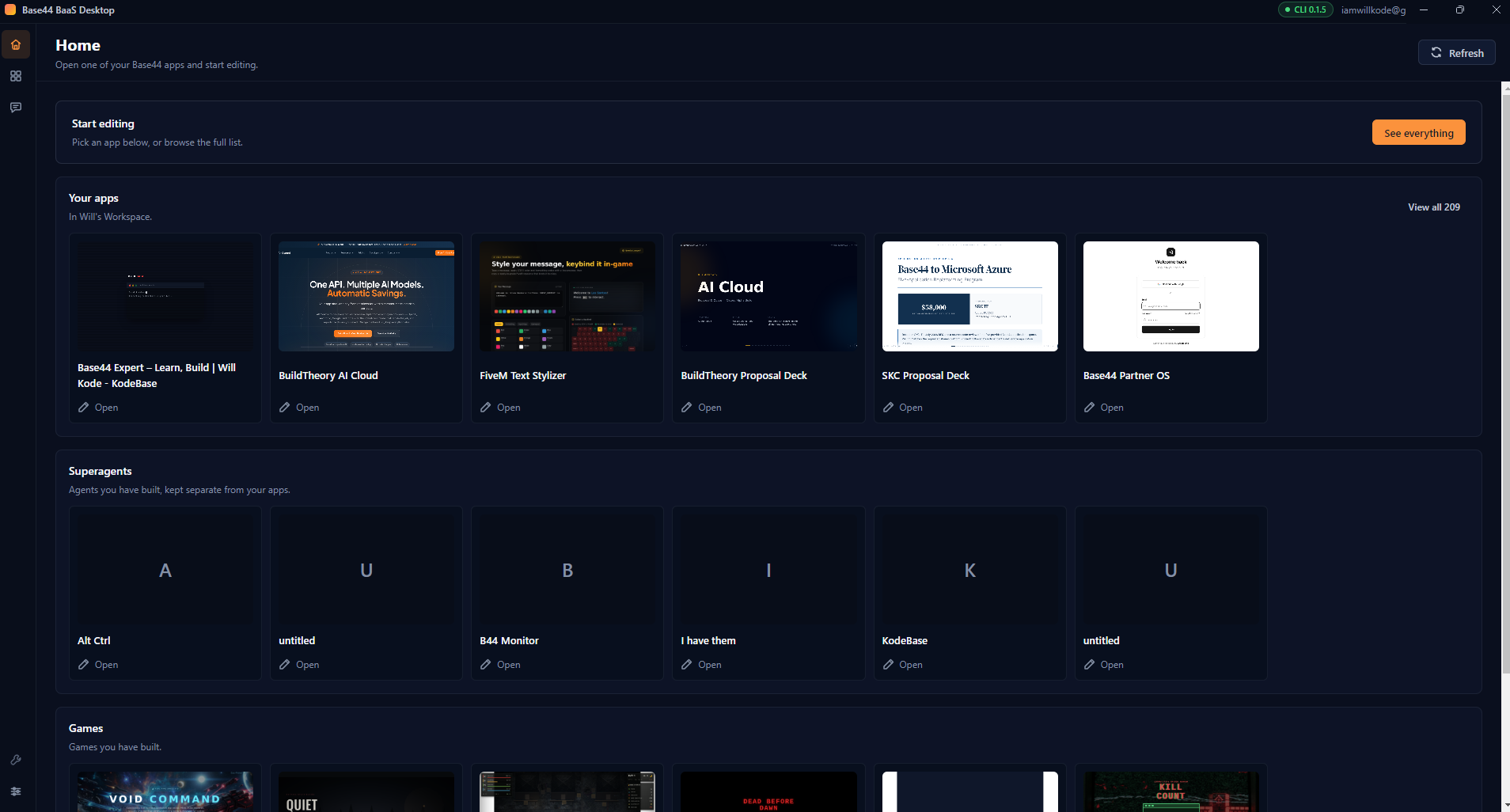
Your real account, on your machine. Every app, superagent and game you own — each in its own section, one click from the editor.
Your Base44 account, on your machine
Base44 is excellent at getting an app built. What it does not give you is a place to sit with that app on your own computer — to read the code it generated, run it locally, review it properly, and decide where it should live.
Base44 Desktop IDE is that place. It signs in to your real account, lists every app you own, and opens any one of them into a workspace with five tabs: the Base44 editor itself, a local copy of the source, a preview server, backend logs, and an optional migration flow. Nothing is simulated and nothing is a mock — you are looking at your live account throughout.
It never modifies your Base44 app. Every operation is either read-only or writes to a folder you choose on your own disk. Your app stays in Base44, editable in Base44, for as long as you want it there.
Two people, one app
The person who just builds things
You want your apps in a grid, one click into the editor, and an AI that will tell you honestly whether your app is safe to put in front of customers. You never need to know what a CLI is. This is what the app looks like out of the box.

The developer who wants the exits
You want the source on disk, a local dev server, backend function logs, a git-tracked copy you can diff, deploy configuration for your own host, and a way to pull Base44's newer changes into it later. One toggle reveals all of it.
The split is deliberate. Every capability is present in both modes — advanced mode changes how much is on screen, not what the app can do. Turning it off never strands you on a screen you can no longer reach.
Every app, with its face on
Sign-in uses Base44's own device-code flow: the app shows you a short code, you confirm it in your browser, and the credential is held by the Base44 CLI on your machine. Your workspaces load, and every app in them appears as a tile carrying its real screenshot or logo.
Base44 returns apps, superagents and games from a single endpoint, which is why most tools show them jumbled together. This one reads the app type and gives each its own section, so Your apps means what it says. Apps with no artwork fall back to a clean initial rather than an empty frame.
Home
Your apps as tiles with artwork, split by kind, one click into the editor.
My apps
The full searchable table — app ID, last modified, source status, migration status — with filters for Apps, Superagents, Games, editor-managed, externally linked, and already migrated.
WorkspacesAdvanced
Browse and switch workspaces, mark favourites, see recents.
Manual entry
Paste an app ID directly, for anything discovery cannot see.
Five tabs around one app
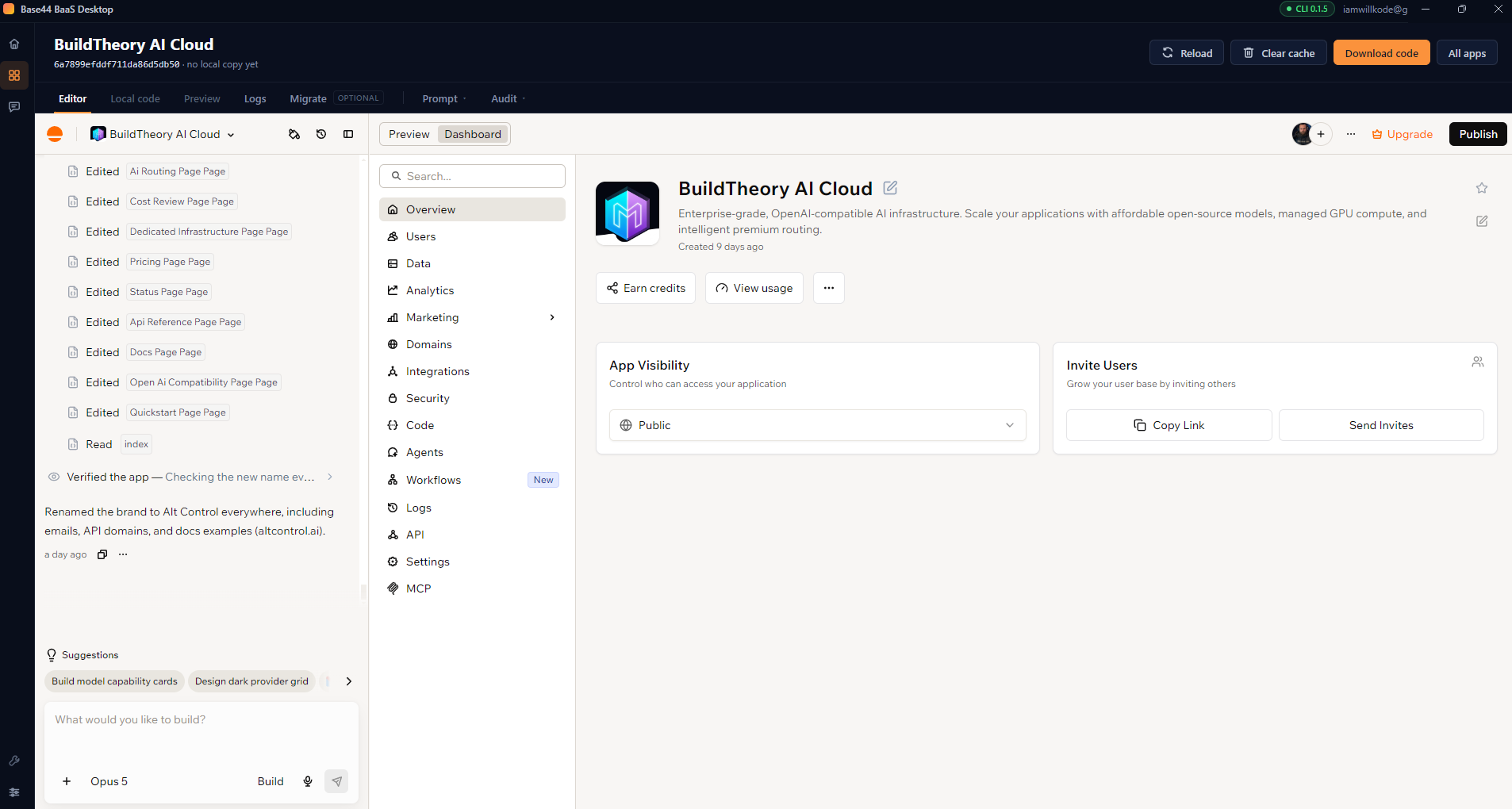
Editor
The genuine Base44 editor, embedded in the window — not a link that throws you into a browser. It keeps its own signed-in session between launches, and stays loaded in the background when you switch tabs so you never lose your place mid-thought.
Local code
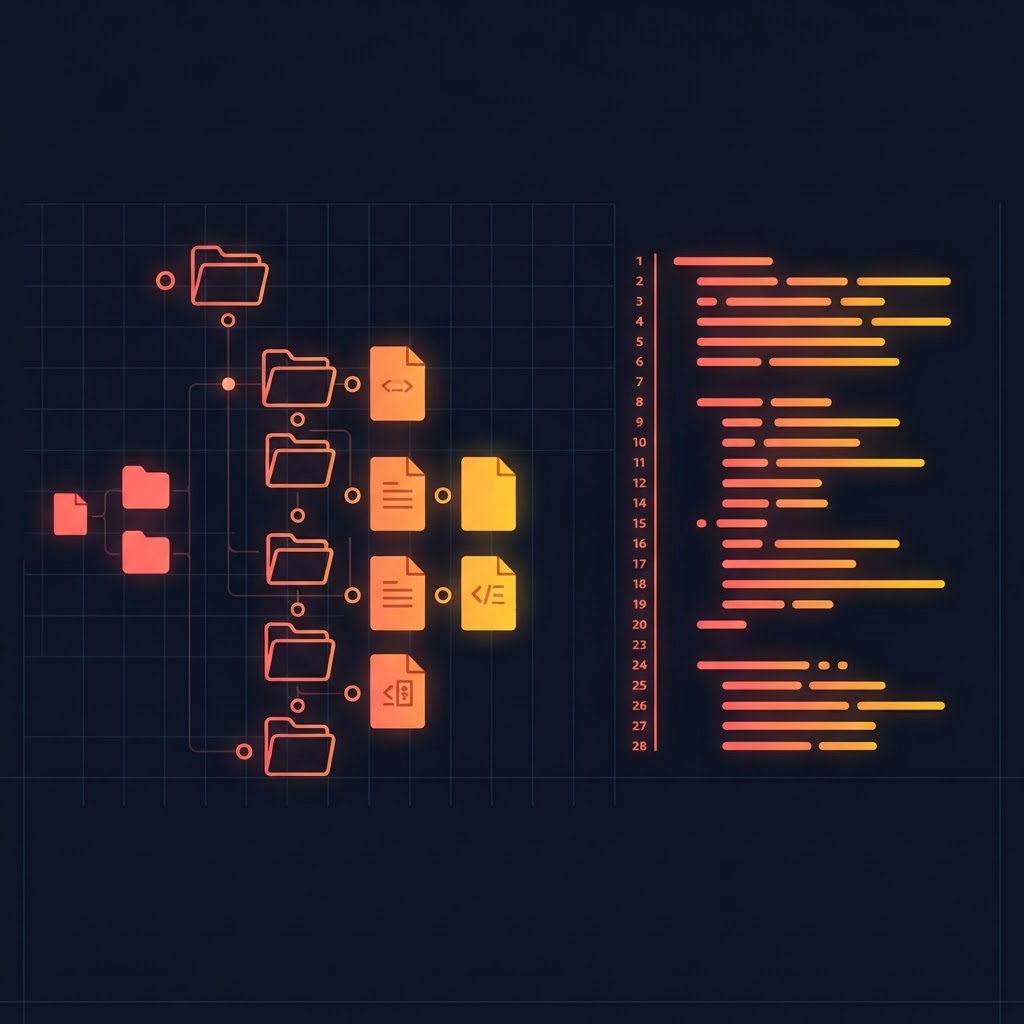
A read-only file tree and viewer with line numbers over the copy on your disk. Read what Base44 actually generated, with no risk of editing the wrong copy.
Preview
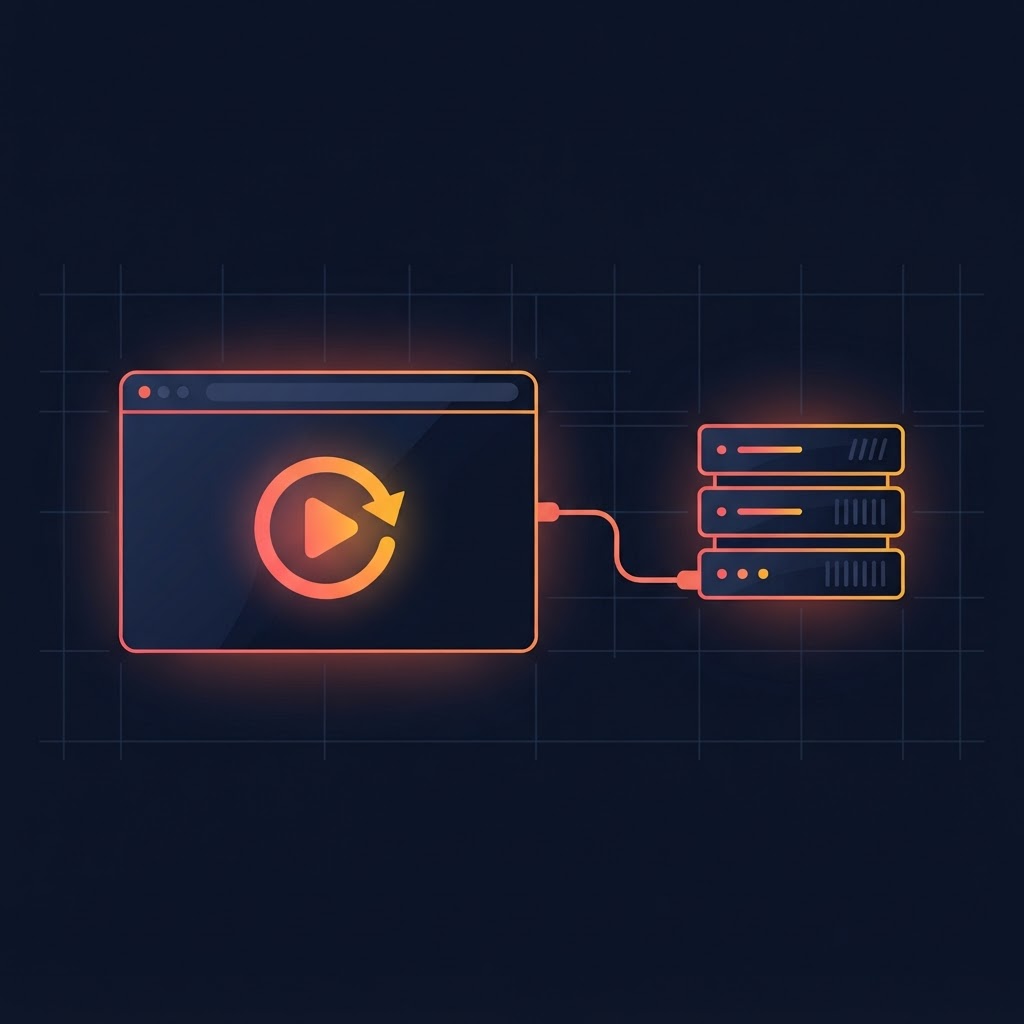
Installs dependencies and runs the app locally against the real Base44 backend — either the hot-reloading dev server or the production build, which is what actually ships.

Logs
Backend function logs for the draft or published deployment, filterable by text, without opening the dashboard.
Migrate
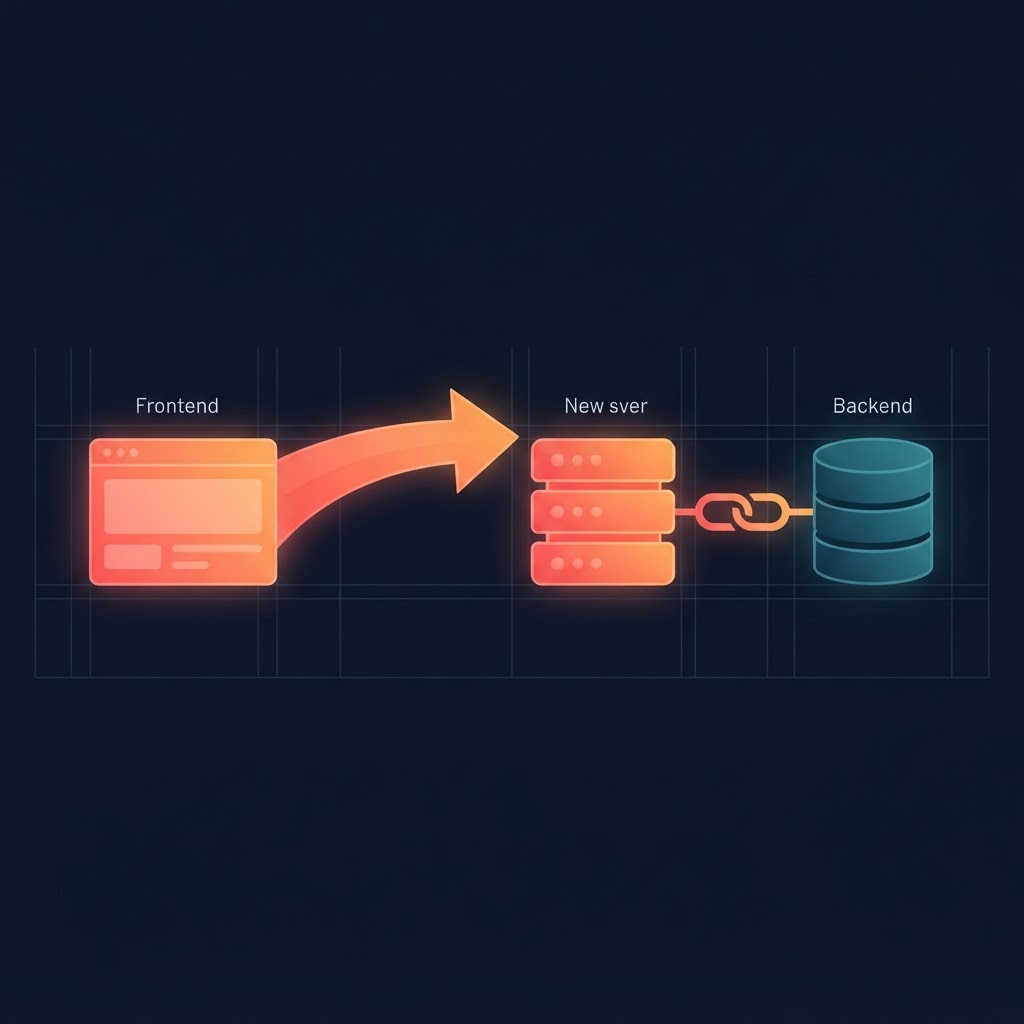
Marked optional, because it is. The whole export-and-rehost flow lives here and nowhere else, so it never gets in the way of ordinary work.

Prompt and Audit menus
Two dropdowns beside the tabs that push work into the editor's chat: a saved prompt, or a full audit. Rendered as native menus so they open cleanly above the embedded editor.
Ten audits, run by the AI that knows your app
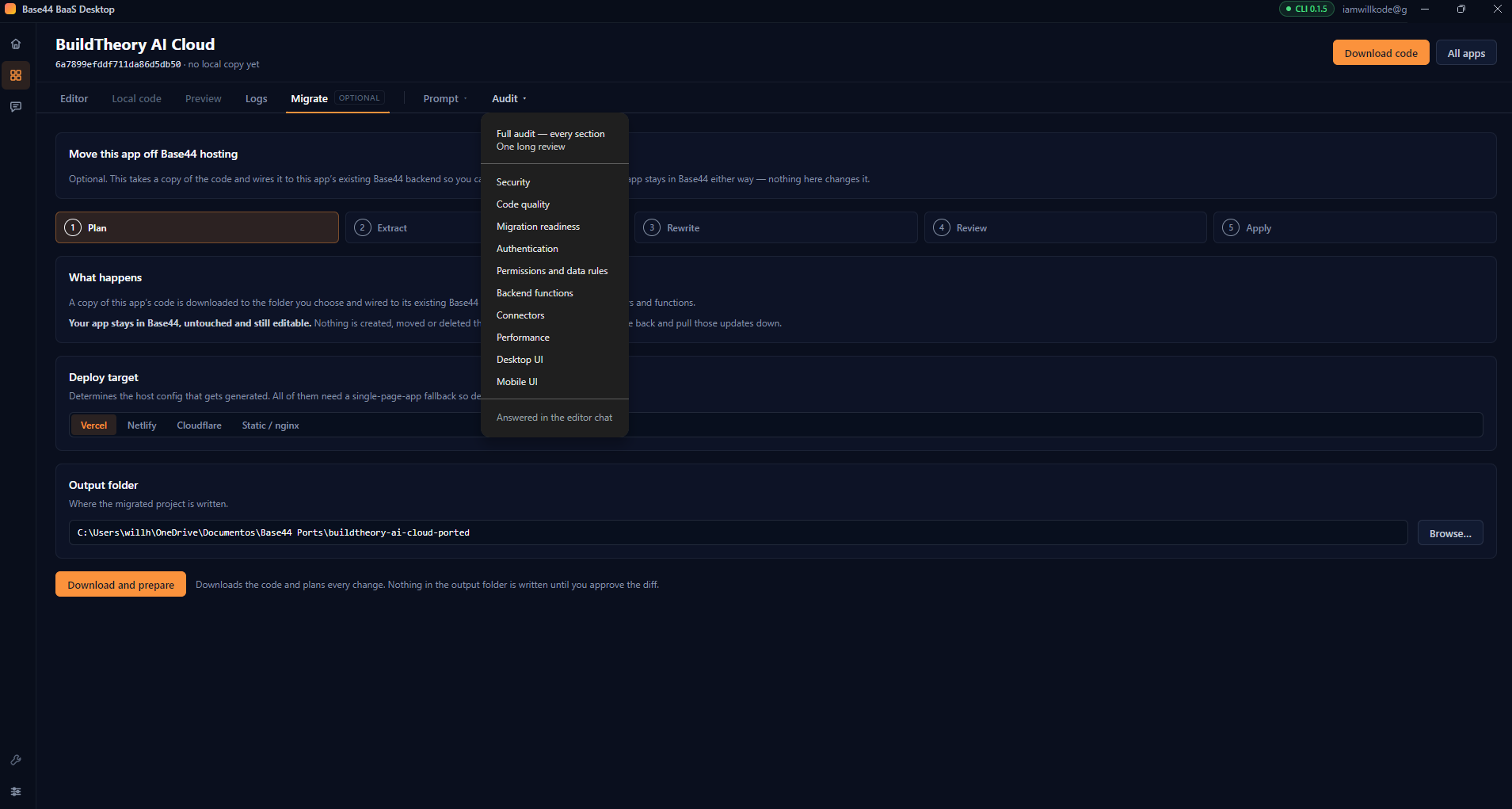
Pick an audit from the menu and the app composes a detailed instruction and sends it straight to your Base44 editor's chat. The review happens inside Base44, which matters: the model there can read your entities, backend functions, permission rules and pages as they actually are — including everything that never appears in an exported frontend.
Every prompt asks for findings with severity, exact location, cause and fix, ordered worst first. Every prompt also explicitly forbids the model from changing anything. An audit that quietly rewrote your app would be a very unpleasant surprise.
Security
Secrets exposed to the browser, backend functions trusting client-supplied values, injection risks, over-permissive endpoints, missing rate limits.
Permissions and data rules
Per-entity read, create, update and delete reality against intent; records readable by the wrong user; fields like role, plan or balance that should never be client-writable.
Authentication
Routes that should require login but do not, client-only access checks with no backend equivalent, broken signup and reset flows, abusable post-login redirects.
Backend functions
Missing authorization, unvalidated input, unhandled failures around external calls, N+1 lookups, non-idempotent operations called as if they were.
Connectors
Credentials stored unsafely, webhooks that do not verify their sender, calls with no timeout or retry, integrations still wired up but unused.
Performance
Over-fetching, missing pagination, work repeated every render, blocking calls on first paint, sequential backend work that could run concurrently.
Code quality
Duplicated logic that has drifted, error paths that swallow failures, dead code, state that can desynchronise.
Desktop UI
Broken layouts, poor contrast, keyboard-unreachable controls, missing loading and error states, destructive actions with no confirmation.
Mobile UI
Horizontal overflow, tap targets too small or too close, fixed elements hidden under the keyboard, hover-only interactions with no touch path.
Migration readiness
Hardcoded Base44 URLs and origins, auth flows that break off-platform, anything depending on Base44 hosting behaviour a static host will not provide.
Choose one category, or run the full sweep as a single message so the model can see that a permissions gap and an auth gap are often the same bug from two angles. Whichever model your editor is set to answers.
The instructions you keep retyping
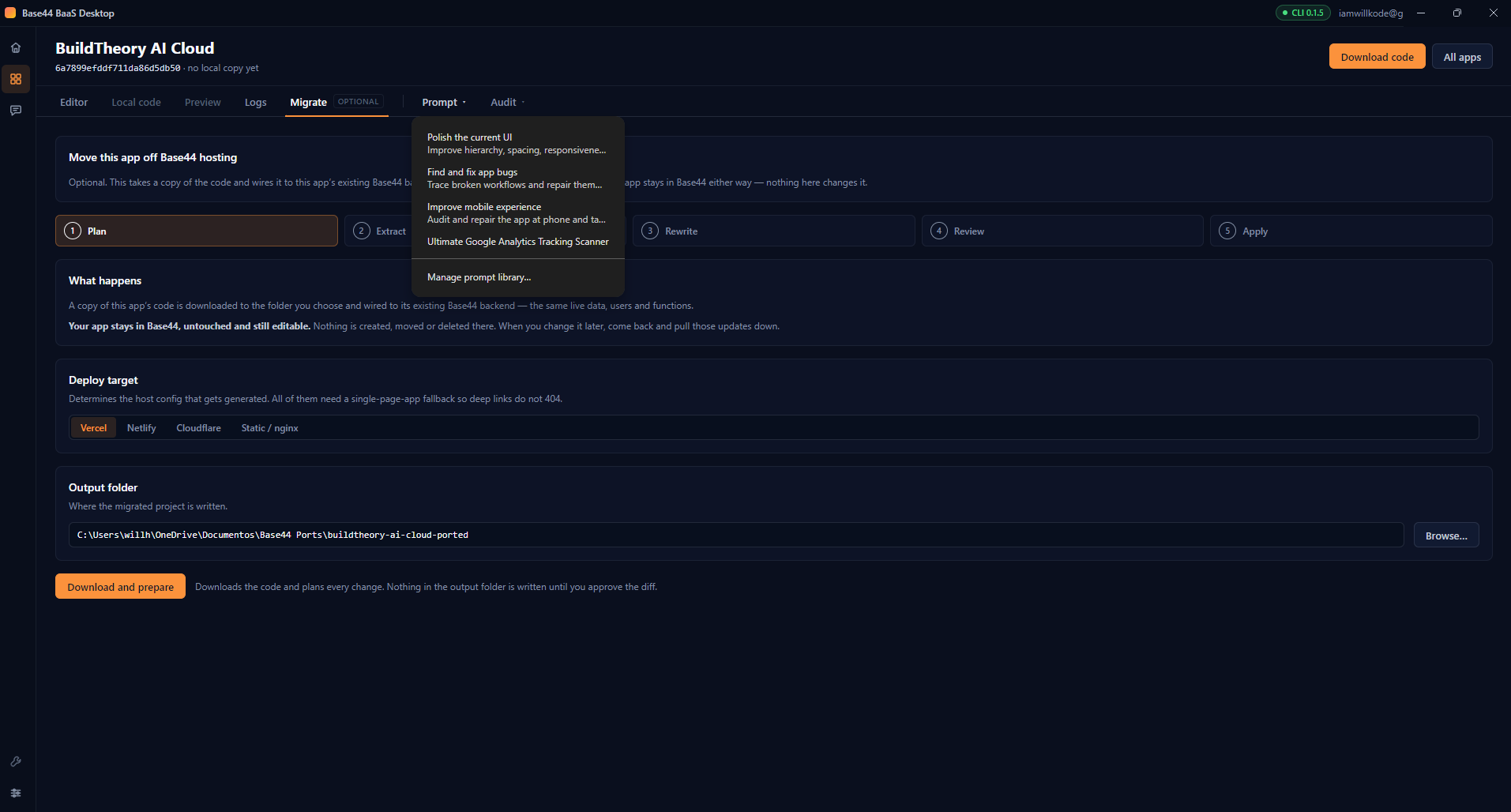
Save prompts once and fire them into any app's chat from the Prompt menu. The app ships with a starter set — polish the current UI, find and fix bugs, improve the mobile experience — and your own are stored locally, titled and described, available across every app you own.
Take the frontend, keep the backend
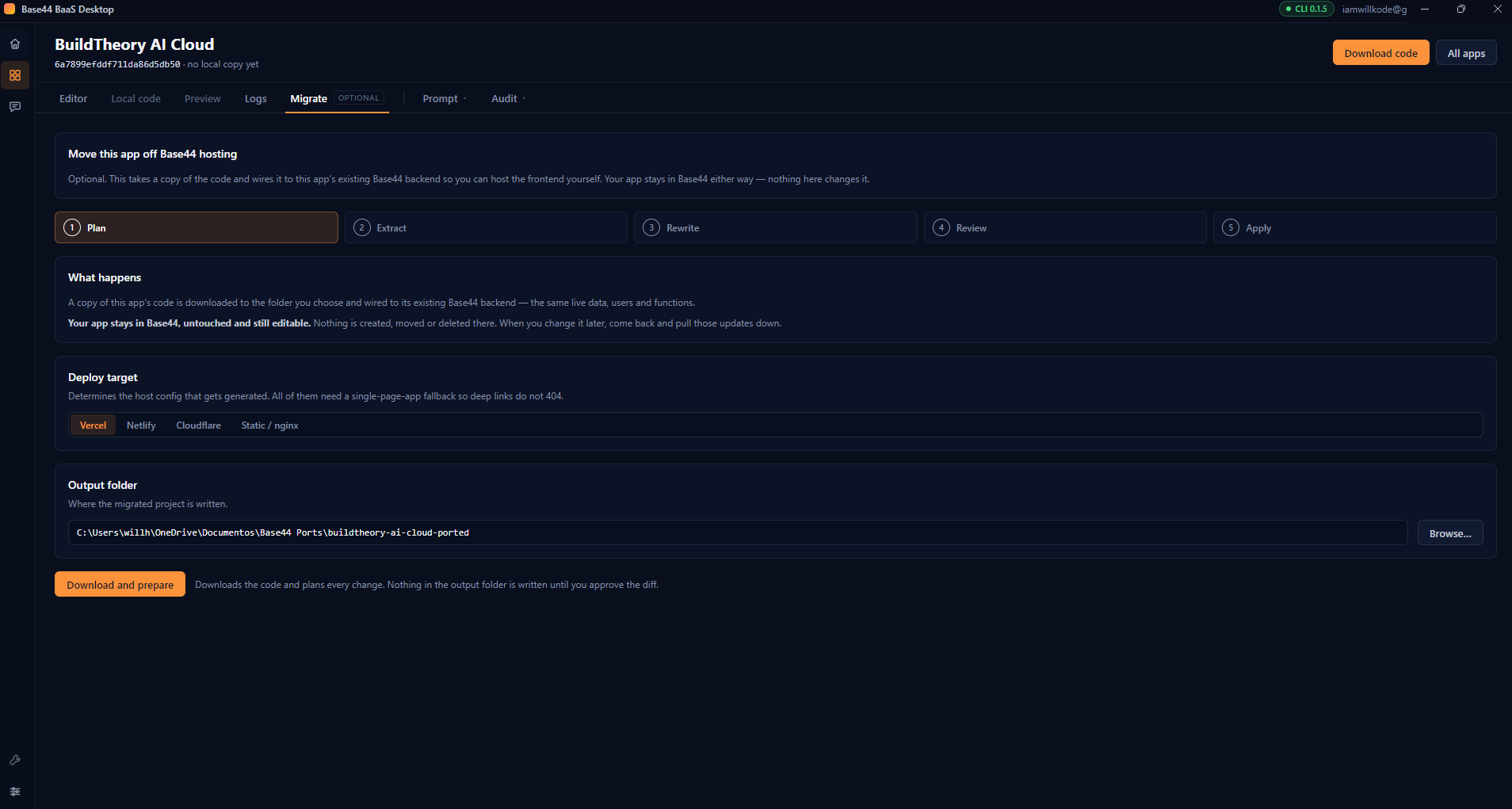
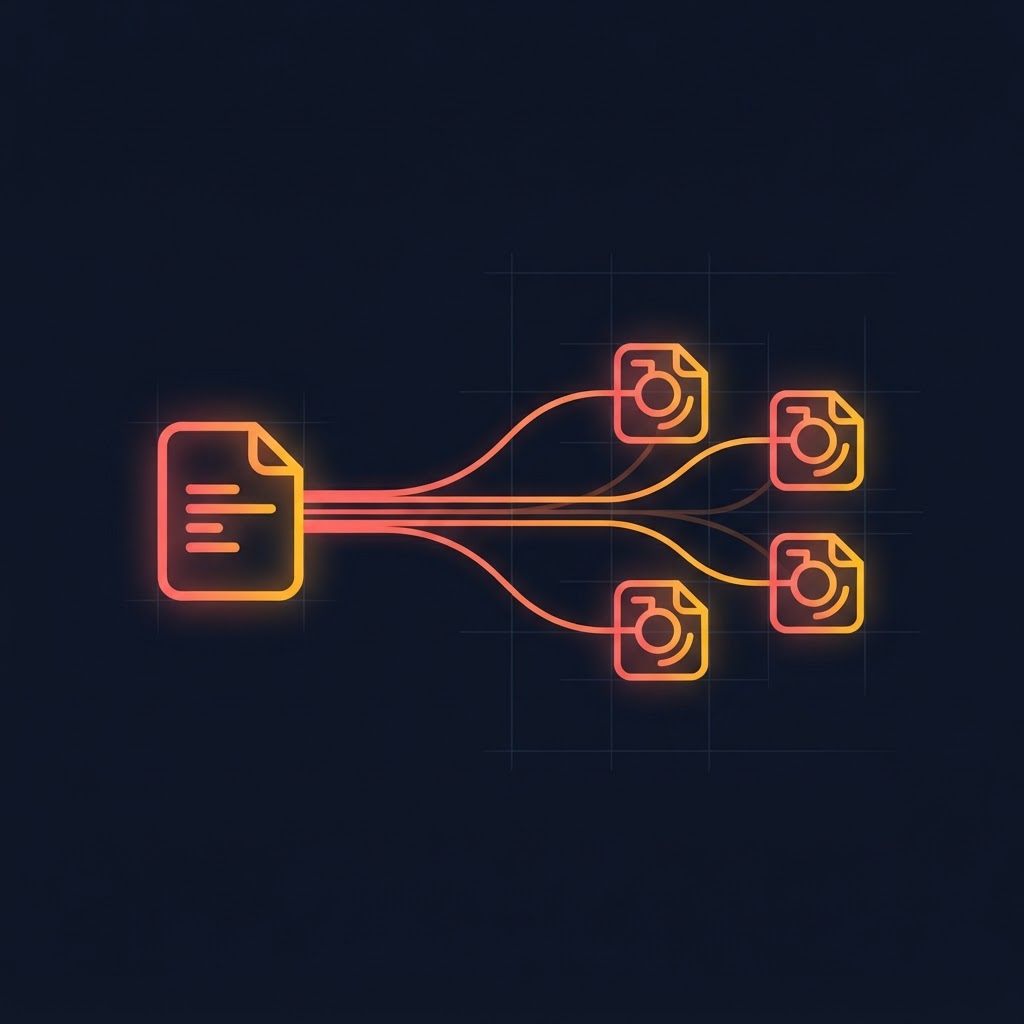
This is the part most people are nervous about, so it is worth being precise. Migration downloads your app's code as an export. It does not eject, detach, fork or delete anything. Your app remains in Base44, fully editable, and the exported copy is wired to talk to that same live backend — the same database, the same users, the same functions.
You keep building in Base44 and pull the changes down when you want them. The export is a real git repository with stable commit hashes, so updates merge rather than overwrite, and your own edits survive.

Download the app code
Fetches the export archive. A plain read that creates nothing on the Base44 side.
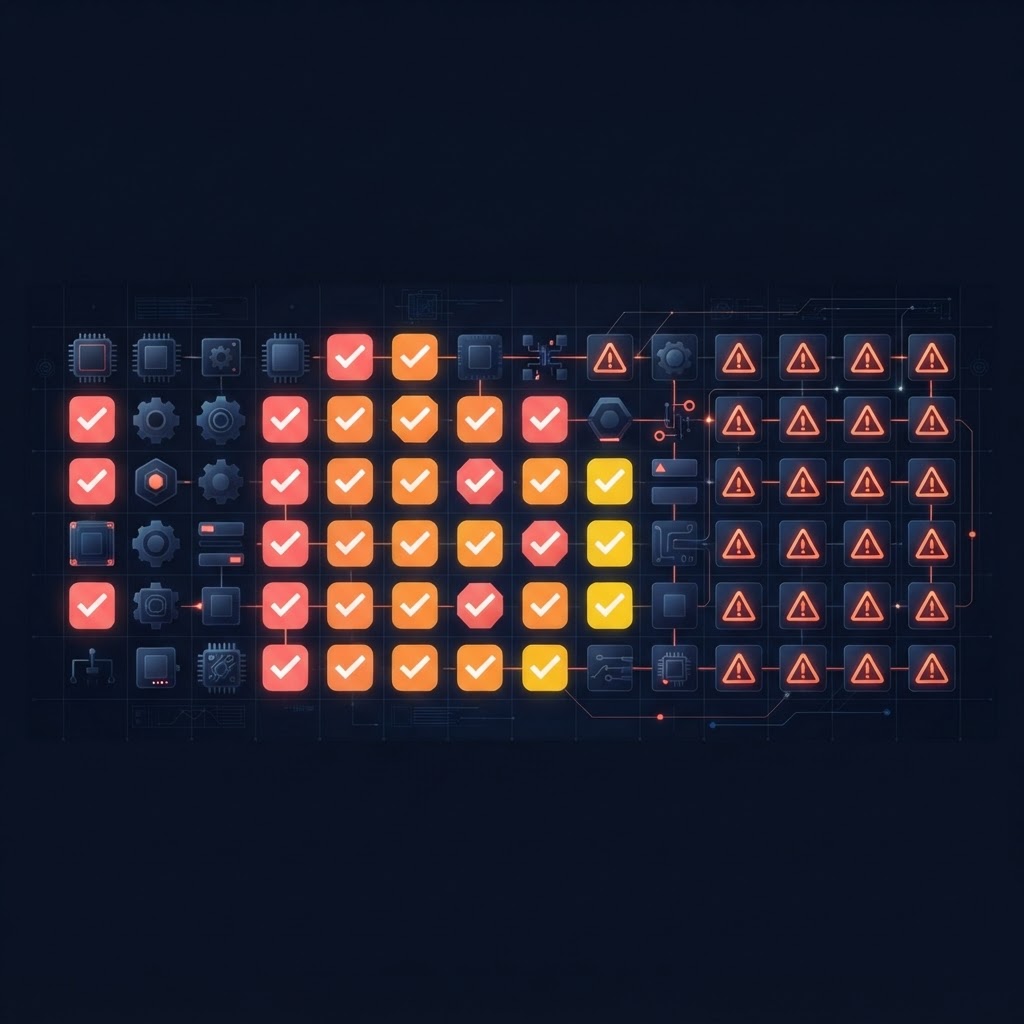
Check what can move
Inventories entities, functions, agents, connectors and auth methods, and reports anything that will not survive the move as a blocker, warning or note.
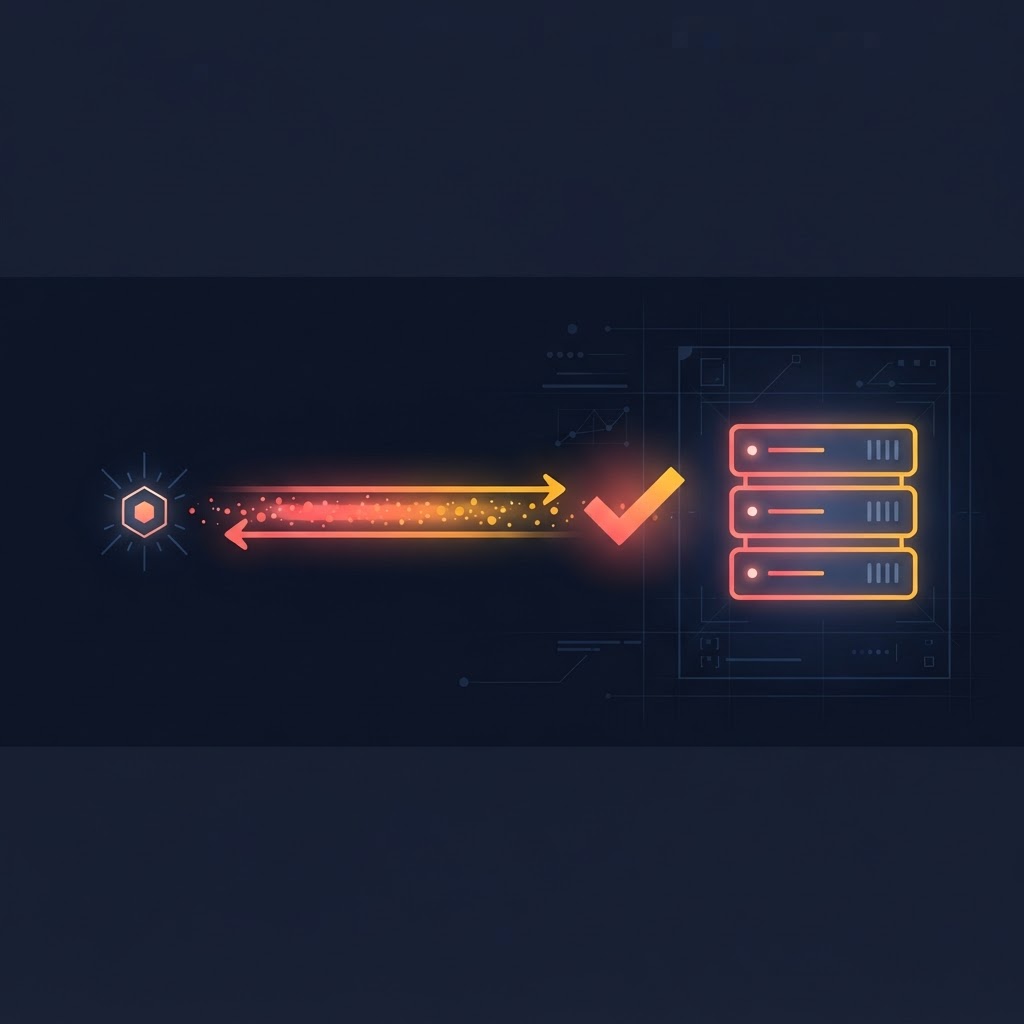
Check the backend is reachable
Confirms the original backend answers before any files are written.

Plan the source changes
Works out every edit needed to point the copy at your existing backend — and shows you the full diff before a single byte lands.
Plan the host configuration
Generates deploy config for Vercel, Netlify, Cloudflare Pages or a plain static host.
Nothing is written until you approve the diff, and everything can be rolled back afterwards. Hardcoded app IDs and backend URLs are replaced with environment variables, so the same build can target different backends without editing code.
The detail that breaks most hand-rolled exports: Base44's SDK builds its sign-in URL from a setting most apps never pass. Left empty, the login link becomes relative — harmless while Base44 serves the page, and an infinite redirect loop the moment anything else does. The migration sets it explicitly, so sign-in still goes to Base44 from your host.
Evidence, not assurances
A migrated app that looks fine and fails at sign-in a week later is worse than one that fails immediately. So the app checks its own work from the running copy's real origin.

Origin probes
Confirms Base44 is reachable, that the backend accepts simple and preflighted requests from your new origin, that an Authorization header survives preflight, that a JSON write is accepted, and how cookie-bearing cross-origin requests behave.
Twelve validation checks
Project structure, entity schemas, auth configuration, backend functions, connector configuration, environment variables, broken imports, production build, routes, the Base44 connection, the logged-in user, and the published URL.

Update sync
Pulls newer Base44 code into an already-migrated project as a git merge, reporting changed files, incoming commits and conflicts. Strictly one-way — your Base44 app is never written to.

Honest reporting
A missing auth config is reported as absent, not as "login disabled". An empty app list caused by a failed request says the request failed. The distinction matters when you are deciding whether to ship.
Built like a tool, not a demo
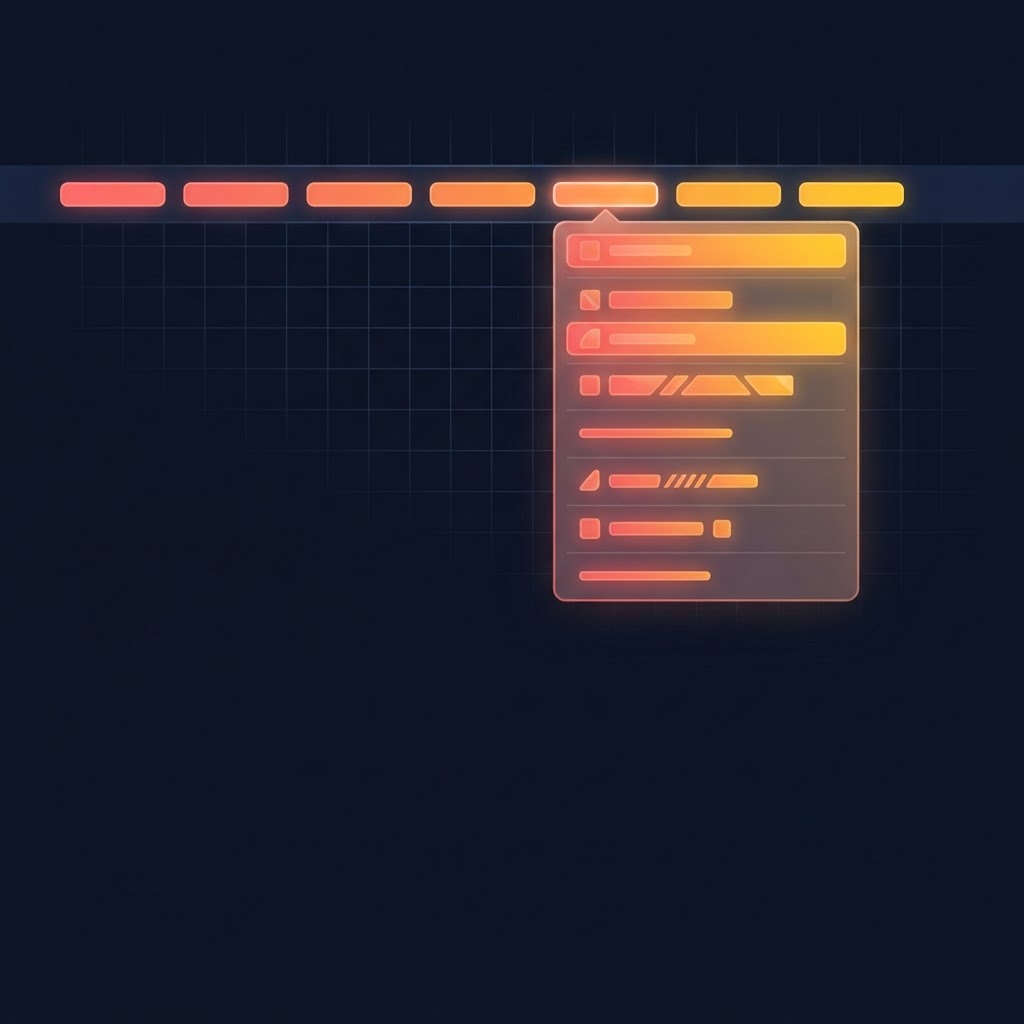
A real menu bar
File, Workspace, Project, Tools, Prompts, View and Help — around a hundred commands with keyboard accelerators. Developer-only menus disappear entirely in default mode rather than sitting greyed out, advertising features you have not opted into.

Command palette
Ctrl+K for everything, filtered to what is reachable in your current mode.

Accessibility
Keyboard-navigable tables, visible focus states, live regions announcing results, focus moved to the heading on navigation, and confirmation on every destructive action.

Nothing left running
Preview servers are tracked and terminated with their child processes. Earlier tooling left orphaned backends behind that quietly consumed plan quota; this app never creates them, and tracks any it finds so you can clean them up.
The boundary is the feature
The window renders under a strict content security policy with context isolation on and Node integration off. Your Base44 credential is held by the CLI and read only in the privileged process — it never crosses into the page.
The embedded editor is a separate process with its own session and no bridge to this app's internals. It is not an iframe, precisely because framing a third-party origin would have meant weakening the policy that keeps your token away from remote content.
App artwork shows the same discipline. Those image URLs come from your account but can point anywhere, and in practice some do — third-party hosts, not Base44's CDN. Rather than allowing remote images and handing every one of those hosts your IP address, the app fetches them in the privileged process behind an allowlist that rejects local and private addresses, caps size, refuses formats that can carry script, and passes the bytes through as inline data.
Specifications
Application
Electron 33 · React 18 · TypeScript · Vite
Base44 integration
Official CLI 0.1.5 for authentication and project operations, plus the same API the CLI's own project picker uses for app discovery
Embedded editor
Isolated web view with a persistent session, no preload bridge
Installer
NSIS · per-user, no administrator prompt · choose your install directory · desktop and Start Menu shortcuts
Uninstall
Leaves migrated projects and history on disk
Deploy targets
Vercel · Netlify · Cloudflare Pages · static
Data stored locally
Settings, migration history, saved prompts, audit runs, recent projects. No telemetry.
What it does not do
It does not move your backend. Entities, functions, users and data stay on Base44. This tool relocates the frontend and keeps it pointed at that backend. If you want off Base44 entirely, this is a first step, not the whole journey.
- Apps whose source Base44 does not manage cannot be downloaded — you will be told before anything is attempted, not after.
- The installer is unsigned, so Windows will warn on first run until it builds reputation.
- Windows only at present. The codebase is cross-platform; the packaging is not yet.
- Audits are AI-generated findings. They are a strong first pass and a genuine time-saver, not a substitute for a security review before you handle real money or real personal data.
Simple, Honest Pricing
One payment. Lifetime access.
$25 once for Base44 Desktop IDE, including every future update. Windows 10 / 11, x64, 80 MB per-user installer, and a Base44 account.
Base44 Desktop IDE
Lifetime accessThe full Windows workbench for every app in your Base44 account.
One-time payment. Lifetime access, including future updates. Requires a Base44 account.
- Every app in your account, with artwork, in one window
- The genuine Base44 editor, embedded
- Local source viewer, preview server and backend logs
- Ten AI audits, run by the model inside your editor
- Saved prompt library, fired into any app's chat
- Optional frontend migration with full diffs and rollback
- Origin probes and twelve post-migration validation checks
- All future updates included
Base44 Desktop IDE · $25 lifetime · requires a Base44 account. It never modifies your Base44 app — every operation is read-only or writes to a folder you choose on your own disk.
Help shape the desktop workspace Base44 developers have been missing.
Join the early-access list to receive product updates, development previews, launch availability, and opportunities to provide feedback before the public release.
Frequently asked questions
Everything you have built on Base44, open on your own machine.
The real editor, your code, a preview server, backend logs, ten AI audits, and the exits — with your Base44 app left exactly as it is.
Base44 Desktop is an independent product and is not affiliated with, endorsed by, or operated by Base44 or Wix. Base44 and related names may be trademarks of their respective owners.