
No-Code Backend vs Traditional Backend: Which Is Better for Building a SaaS MVP?
Compare no-code and traditional backends for SaaS MVP development across speed, control, security, scalability, cost, and validation risk.
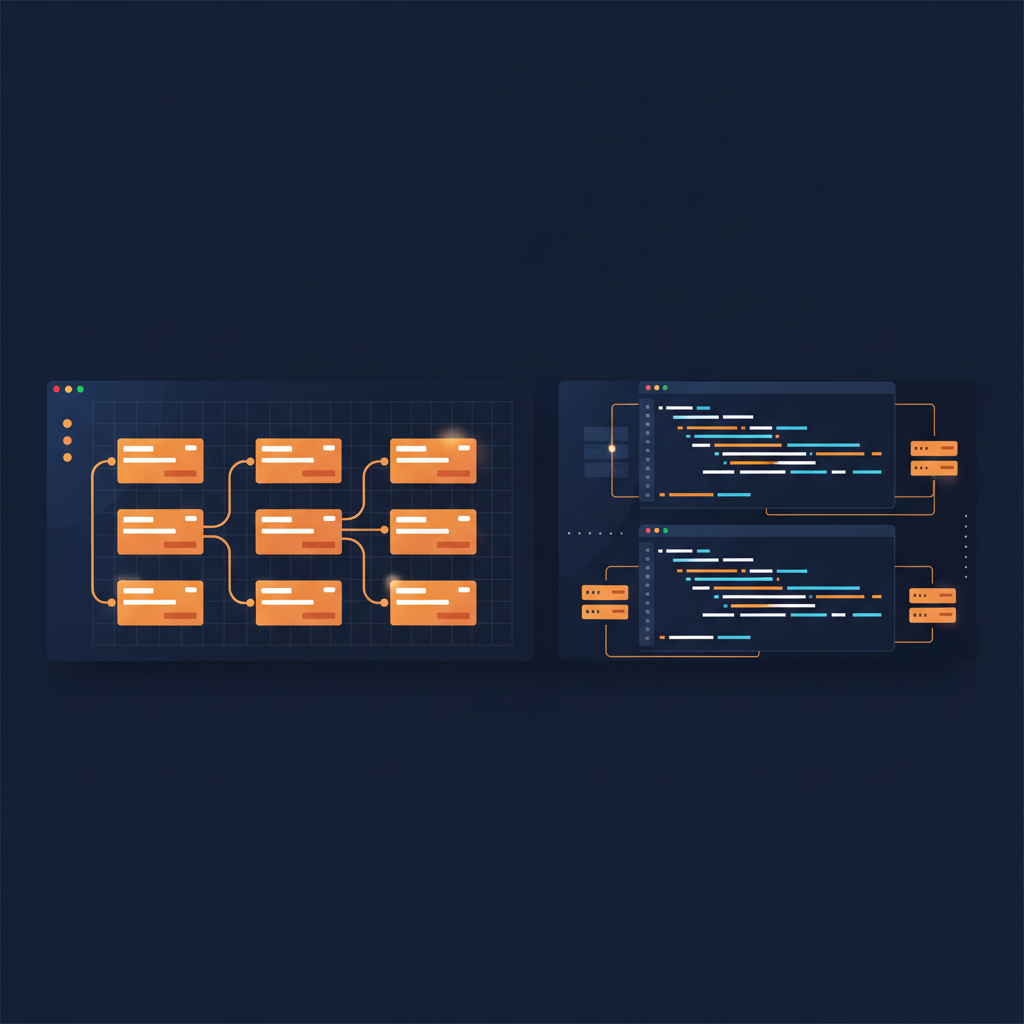
No-Code Backend vs Traditional Backend: Which Is Better for Building a SaaS MVP?
Choosing the right backend for a SaaS MVP is not just a technical decision. It affects how quickly you can validate the product, how much flexibility you retain, how secure your data model is, and how painful future scaling may become.
For developers, the debate around no-code backend vs traditional backend is often framed too simply: no-code is “fast but limited,” while custom code is “powerful but slow.” Reality is more nuanced. The better choice depends on what you need to prove, what risks you face, and how much backend complexity your MVP actually requires.
This guide compares both approaches across speed, control, security, scalability, cost, and long-term maintainability so you can choose the right SaaS MVP backend with fewer regrets.
What is a no-code backend?
A no-code backend is a backend layer you configure instead of building entirely from scratch. Depending on the platform, it may provide database tables, authentication, user roles, permissions, APIs, workflows, file storage, and integrations through a visual interface or structured configuration.
For SaaS MVP development, no-code backend development tools are often used to create:
- User accounts and authentication
- Organizations or workspaces
- Role-based permissions
- CRUD operations for core entities
- Admin dashboards
- Notifications and automations
- Basic API endpoints or integrations
The main value is speed. Instead of setting up a framework, database schema, auth provider, deployment pipeline, and permission logic manually, you assemble the backend from higher-level building blocks.
What is a traditional backend?
A traditional backend is a custom-coded server-side application built with frameworks such as Node.js, Django, Rails, Laravel, Spring, or Go. The team designs the database, writes application logic, implements APIs, manages authentication and authorization, handles background jobs, and controls deployment infrastructure.
A custom backend gives developers full control over architecture and behavior. That control is useful when the product has complex domain logic, performance requirements, compliance needs, advanced integrations, or unusual data flows.
The tradeoff is time. Even experienced developers need to make and implement many decisions before users can meaningfully test the product.
Quick comparison: custom backend vs no-code
| Criteria | No-code backend | Traditional backend | |---|---|---| | Speed to MVP | Usually faster | Usually slower | | Control | Limited by platform | Full control | | Security model | Fast if platform supports your rules | Fully customizable, but more work | | Scalability | Depends on platform limits | Designed around your needs | | Cost early on | Lower build cost, platform fees | Higher build cost, infrastructure choices | | Maintainability | Good for standard patterns | Better for complex systems | | Best fit | Validation, internal tools, standard SaaS flows | Complex logic, regulated data, long-term architecture |
The question is not which one is universally better. The question is which one removes the most risk for your specific MVP.
Speed: no-code wins when validation is the goal
If your MVP’s biggest risk is market validation, speed matters more than architectural elegance. You need to learn whether people want the product, understand the workflow, and are willing to pay.
A no-code backend can help you launch faster because it reduces setup work:
- Authentication can be configured instead of built.
- Common database structures can be created quickly.
- Role and permission rules can be defined without writing every endpoint.
- Admin workflows can be assembled before a polished engineering system exists.
For example, imagine you are building a SaaS for agencies to manage client approvals. The first version may need users, clients, projects, comments, approval status, and email notifications. That is important product functionality, but it is not necessarily backend innovation. A no-code backend may be enough to test the workflow.
A traditional backend is slower at the beginning because you are creating the foundation yourself. That may be worth it if the backend is the product’s differentiator. But if your early goal is to validate demand, building too much infrastructure can delay the learning you actually need.
Control: traditional backends win when rules get complex
No-code platforms are strongest when your data model and logic match common SaaS patterns. They become harder to use when the business rules are deeply custom.
A traditional backend is usually better if you need:
- Complex multi-step transactions
- Advanced permission inheritance
- Custom billing logic tied to product usage
- Real-time collaboration with conflict handling
- Heavy background processing
- Complex search, ranking, or recommendation systems
- Custom APIs for enterprise customers
With code, you decide how every piece works. You can design around edge cases instead of adapting them to platform constraints.
The danger with no-code is not that it has no control at all. Modern tools can be capable. The issue is that control is bounded by the platform’s model. If your MVP already depends on behavior that the platform does not support cleanly, the “fast” path can become slow through workarounds.
Security: compare implementation risk, not just capability
Security is one of the most misunderstood parts of the no-code backend vs traditional backend decision.
A custom backend can be highly secure, but only if it is designed and implemented correctly. Developers must handle authentication, authorization, input validation, data access boundaries, secrets, logging, dependency management, and deployment configuration.
A no-code backend may provide built-in security features such as authentication, role-based access, and permission rules. That can reduce implementation risk for standard use cases. However, it can also create risk if teams assume the platform automatically understands their business rules.
For a SaaS MVP, focus on questions like:
- Can you express tenant isolation clearly?
- Can users only access records from their workspace or organization?
- Are admin roles separated from normal users?
- Can sensitive fields be restricted?
- Is the permission model easy to audit?
- Are integrations and API keys handled safely?
If your product stores highly sensitive data or must satisfy strict compliance requirements from day one, a traditional backend may be the safer route because you can design explicitly around those needs. If your MVP uses standard B2B SaaS permissions, a no-code backend with clear role and access rules can be practical.
The key is to model security intentionally either way. Security should not be an afterthought added after the demo works.
Scalability: think about product scale and complexity scale
Scalability does not only mean handling more users. It also means scaling product complexity.
A no-code backend may handle the early load for many MVPs, especially when usage is modest and workflows are straightforward. The scalability concern is often less about raw traffic and more about whether the platform can keep up as your product logic evolves.
Ask these questions before choosing no-code:
- What are the platform’s limits for data, API calls, workflows, and file storage?
- Can you export your data?
- Can you migrate away if needed?
- Can you integrate with a custom service later?
- Can you isolate performance-heavy features?
A traditional backend gives you more options for scaling. You can optimize queries, add caching, split services, tune infrastructure, and redesign bottlenecks. But those benefits matter only when you actually need them. Prematurely building for scale can consume time that should be spent validating the MVP.
For many SaaS teams, the practical path is to start with a clear blueprint and avoid painting yourself into a corner. That means documenting the data model, roles, security rules, and API expectations before committing to any backend approach.
Cost: compare total cost, not just platform fees
No-code backend platforms often look cheaper at the start because they reduce engineering hours. Traditional backends may look cheaper on monthly infrastructure costs but require more development time.
For an MVP, total cost includes:
- Time to build
- Time to change features
- Cost of backend expertise
- Platform subscription fees
- Deployment and maintenance
- Debugging and monitoring
- Migration risk
A no-code backend can be cost-effective when the product is still uncertain. You avoid spending weeks or months building infrastructure for an idea that may change after customer interviews.
A traditional backend can be more cost-effective when the product direction is clear and backend complexity is central to the business. In that case, building the right foundation early can prevent expensive rewrites.
The best economic decision is usually the one that buys the most learning for the least irreversible commitment.
Developer experience: no-code does not remove the need for architecture
Developers sometimes reject no-code because it feels less rigorous. That concern is valid when teams jump directly into screens and workflows without a proper model.
But no-code works best when developers still think like architects:
Turn your idea into a build-ready blueprint
Generate your data model, roles, security rules, and copy-paste build prompts in minutes.